Fast PowerPoint reading and verification, from scratch in Rust.
pptxboss reads .pptx and legacy .ppt decks: slide text, speaker notes, tables, chart data, SmartArt, comments, sections, properties and pictures, as plain text or Markdown. It verifies a deck against 72 clause-numbered ECMA-376 rules and creates new decks from code or Markdown. One Rust core behind a CLI and Python bindings, built clean-room from the ECMA-376 specification: safe Rust, no C dependencies, no bindings to another engine. MIT OR Apache-2.0.
Prebuilt abi3 wheels for CPython 3.12 and later on Linux x86_64 and macOS arm64, no toolchain required.
The toolkit
The whole deck, not just the slides.
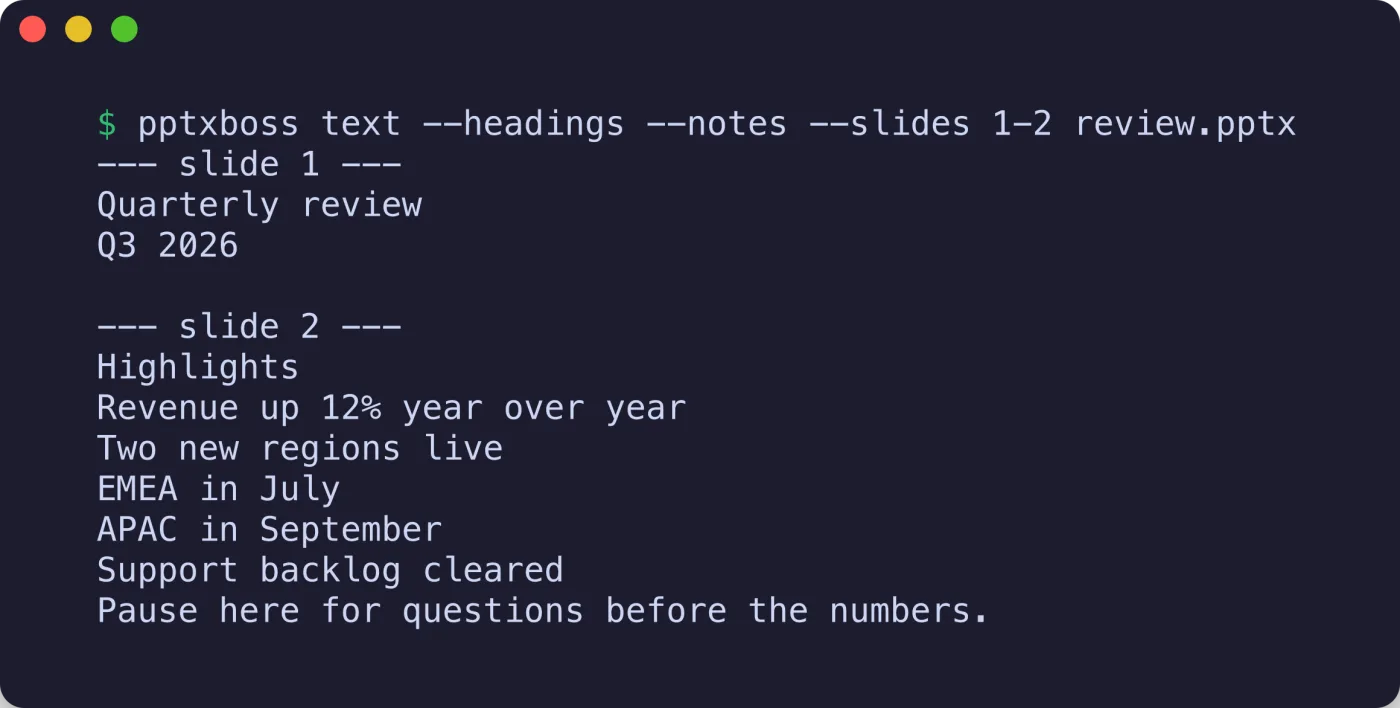
The CLI ships info, text, markdown, check and rules, plus create blank|text|md for new decks. Text comes out in z-order, which ECMA-376 makes the reading order, with speaker notes, comments, alternative text, chart data and SmartArt on request, and --slides 2-4,7 picks slides on any reading command. Every reading command takes a legacy .ppt as well, except check.
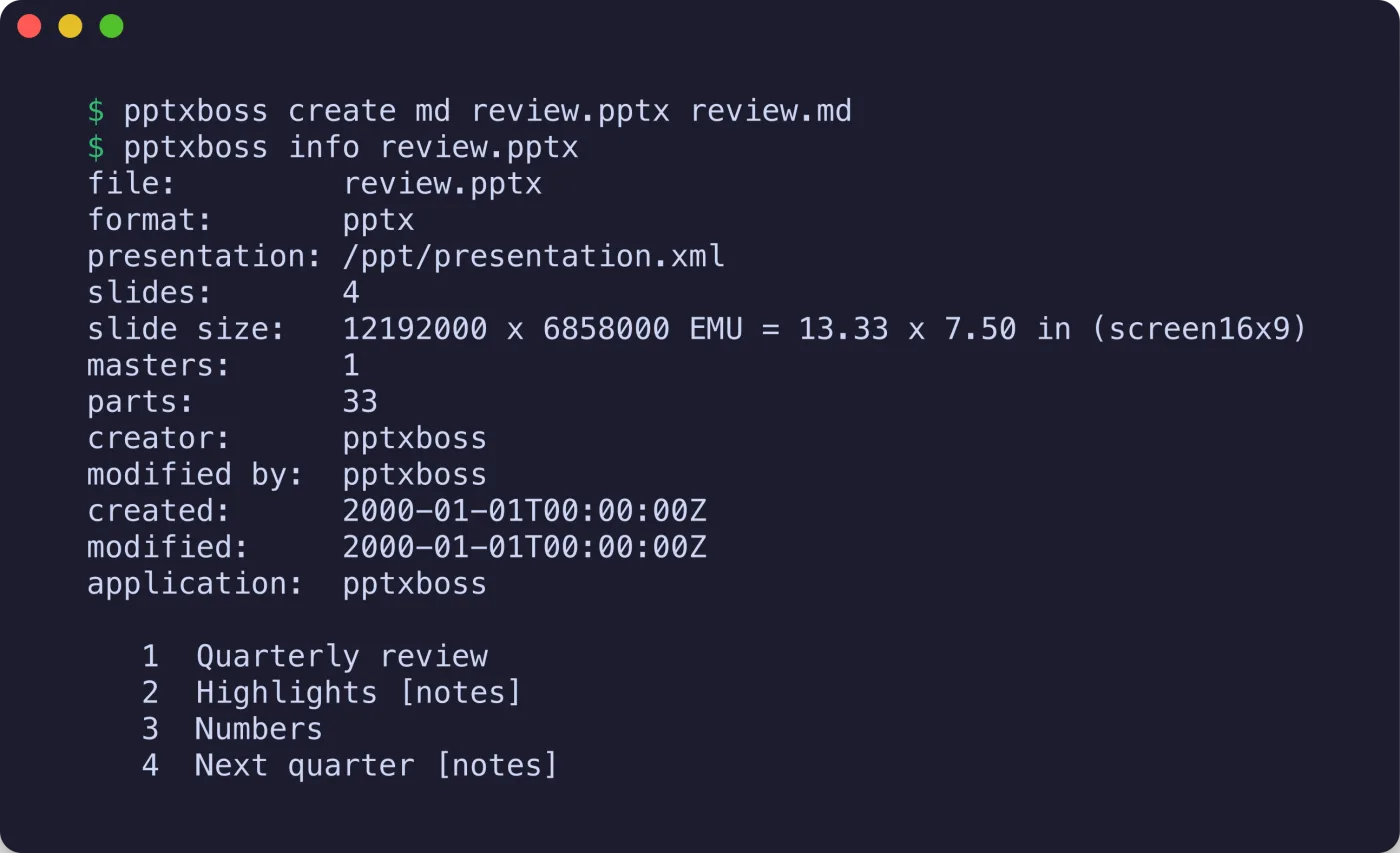
$ pptxboss info deck.pptx
$ pptxboss text --notes --headings deck.pptx
$ pptxboss text --comments --alt-text deck.pptx
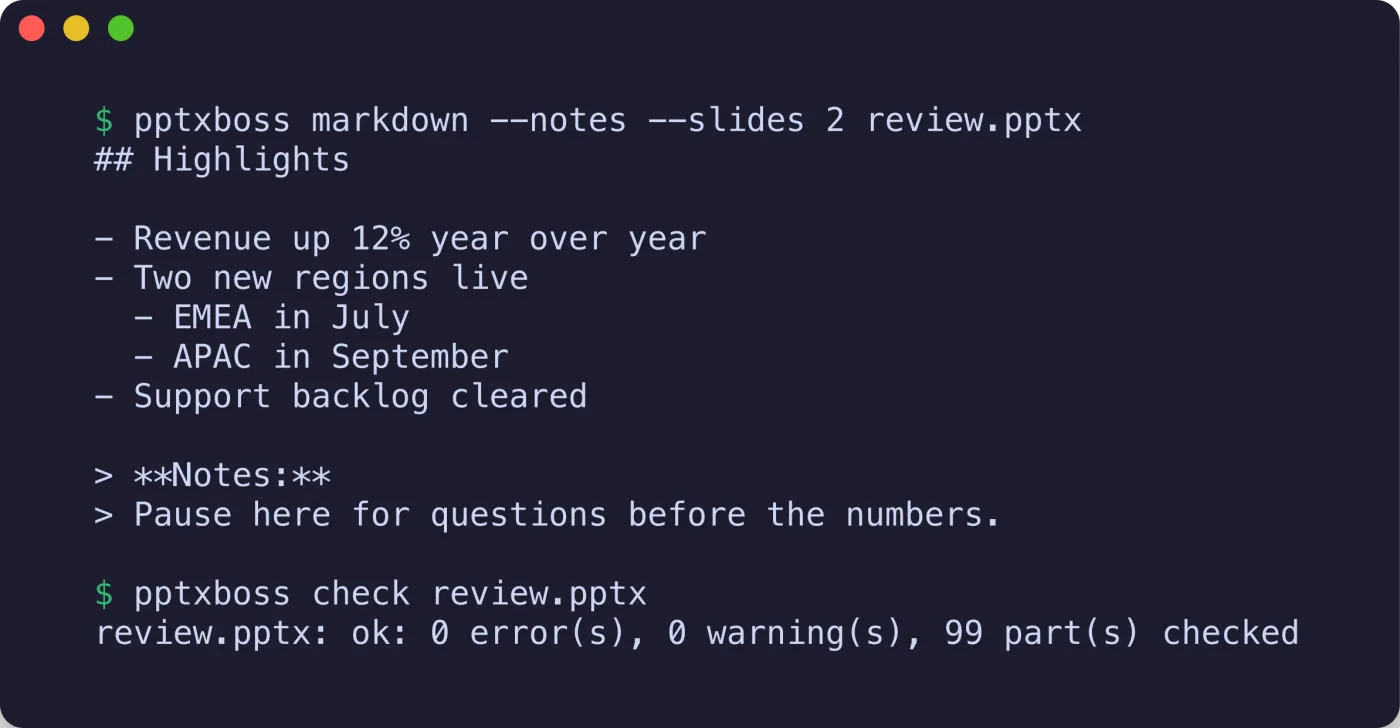
$ pptxboss markdown --notes deck.pptx
$ pptxboss text --slides 2-4,7 --json deck.pptx
# the same commands on a PowerPoint 97-2003 deck
$ pptxboss text legacy.ppt
$ pptxboss check deck.pptx
$ pptxboss rules
$ pptxboss create md out.pptx slides.md
import pptxboss

doc = pptxboss.Document("deck.pptx")  # or "legacy.ppt"
for slide in doc:  # slides parse lazily
    print(slide.number, slide.title)
    print(slide.text())  # z-order, one paragraph per line
    print(slide.notes())  # speaker notes or None
    tables = slide.tables()  # rows of cell texts
    charts = slide.charts()  # title, series, categories, values

md = doc.markdown(notes=True)
text, warnings = doc.text_reporting()  # what was skipped

for finding in pptxboss.check("deck.pptx"):
    print(finding.severity, finding.code, finding.clause)
The verifier
72 rules, each with its clause.
pptxboss check runs structural rules from ECMA-376 Parts 1 and 2 over the ZIP container, part names, content types, relationships, required parts, id ranges and uniqueness, XML well-formedness, namespace consistency and core properties. Every finding carries a stable code, a severity and the clause it enforces. Decks saved by PowerPoint pass with no findings; the exit code is 1 when any finding is an error, so it fits a CI step.
$ pptxboss rules | grep -E 'ZIP00[1-5]|XML003|CPR002'
error   ZIP001 [Part 2 B.4 Table B.4] Entries use only the stored (0) or deflate (8) compression methods
error   ZIP002 [Part 2 B.4 Table B.5] Entries are not encrypted (general purpose bit 0)
warning ZIP003 [Part 2 B.2] No bytes precede the first local file header
error   ZIP004 [Part 2 B.4 Table B.1] The central directory and end record are present and complete
error   ZIP005 [Part 2 6.2.2.3] No two items share a name
warning XML003 [Part 4 7] All parts use the same conformance class of namespaces, Strict or Transitional
error   CPR002 [Part 2 8.3.4.3] dcterms:created and dcterms:modified carry xsi:type="dcterms:W3CDTF"
$ pptxboss check --json --quiet deck.pptx
$ pptxboss check broken.pptx; echo exit=$?
Everything in the file
Notes, comments, charts, SmartArt and the rest.
Speaker notes, comments with their authors and replies, sections, core and application properties, embedded objects with their bytes, pictures with their image parts, hyperlinks and alternative text. Chart titles, series, categories and values and the text of SmartArt diagrams come out with the slide text; in the benchmark, no other engine measured produced them. Image bytes are read only when asked for, so extracting text from a 42 MB deck never reads its 40 MB of media. Strict-namespace decks, which most readers refuse, read like any other, and mc:AlternateContent is resolved per Part 3.
slide = doc[3]
for c in slide.comments():  # replies flagged
    print(c.author, c.date, c.text)
for chart in slide.charts():
    print(chart.title, chart.kinds)
    for s in chart.series:
        print(s.name, s.categories, s.values)
for d in slide.diagrams():  # SmartArt as (level, text)
    print(d.items)
for image in slide.images():
    data = slide.image_bytes(image)  # read now, not before

props = doc.core_properties()  # title, creator, created, modified
for section in doc.sections():
    print(section.name, section.slides)

# a PowerPoint 97-2003 deck, same calls
old = pptxboss.Document("legacy.ppt")
print(old.format, old.text())
Creation
New decks from code or Markdown.
pptxboss-write builds decks with one master, four layouts, a theme of twelve colors and two fonts, and slides made of titles, subtitles, bullet lists, paragraphs of formatted runs, text boxes, tables, pictures, backgrounds and speaker notes. Twelve theme presets ship, from office to tokyo. Output is deterministic: fixed timestamps, fixed part order, ids in insertion order. Every deck it writes reads back through the core and passes the verifier with no findings. Prefer prose? A Markdown file becomes a deck from the CLI, Python or Rust: a title slide per #, a content slide per ##, list items as bullets, Notes: lines as speaker notes. See every theme and two full decks →
use pptxboss_write::{Presentation, Rect, Slide, SlideSize, Theme};

let deck = Presentation::new()
    .theme(Theme::tokyo())
    .size(SlideSize::WIDESCREEN)
    .slide(Slide::title_slide("Quarterly review", Some("Q3 2026")))
    .slide(Slide::titled("Highlights")
        .bullet("Revenue up")
        .sub_bullet("in every region", 1)
        .notes("Pause here"))
    .slide(Slide::titled("Free form")
        .picture(std::fs::read("chart.png")?, Rect::inches(7.0, 1.5, 5.0, 3.0)));
deck.write_to("review.pptx")?;

// or from Markdown
pptxboss_write::from_markdown(&md).write_to("out.pptx")?;
# the same from the shell
$ pptxboss create md out.pptx slides.md --theme mocha
$ pptxboss create text out.pptx --title "Hello" --bullet one --bullet two --notes "say hi"
$ pptxboss create blank out.pptx --slides 3
$ pptxboss check out.pptx
Benchmarks
Measured on real decks.
The fastest library measured, on one thread as well as on all cores, with paragraph-for-paragraph agreement on every file the comparison includes.
Text extraction over 631 test-suite decks, all cores: 3.1× the next fastest Rust engine, 20× python-pptx.
The same on one thread, the like-for-like row: 2.5× office-oxide, 16× python-pptx.
To read the text of a 43-slide, 42 MB deck, against office-oxide’s 4.89 ms.
Paragraph-for-paragraph with python-pptx on every file the comparison includes.
Under the hood
Four crates, one implementation.
No compression or XML dependency: the ZIP reader, DEFLATE, the XML reader and the Open Packaging Conventions layer are pptxboss’s own, implemented from ECMA-376 Parts 1 to 4. The PowerPoint 97-2003 binary format is read from the MS-CFB, MS-PPT and MS-ODRAW specifications into the same slide model. Every published crate is on crates.io under MIT OR Apache-2.0.
Reporting
“Reading is lenient and it says so.”
Broken decks still open
Real decks are damaged, so the reader tolerates bytes before the archive, a missing central directory and broken content types and relationships, recovers the slide list from relationships when the presentation part does not list it, and skips what it cannot read instead of refusing the file.
Nothing is dropped silently
Every skip is reported: the CLI prints a warning: line to stderr, text_reporting() returns the warnings with the text, and extract() returns a structured report whose is_complete is true only when nothing was dropped.
Two views of a package
Package is the raw Open Packaging Conventions view: every item, content type and relationship exactly as written, defects included. Document is the lenient reader built on it. The verifier reads both, which is how it can report the defects the reader works around.
Compare
Switching from another library?
Side-by-side numbers, feature lists with the gaps included, and migration snippets for the libraries people most often arrive from.
pptxboss vs python-pptx →
The reading path 16 to 20 times faster; python-pptx keeps editing existing decks.
pptxboss vs office-oxide →
Two Rust engines for Python: one PowerPoint engine with a verifier, one multi-format reader.
PowerPoint to Markdown →
A heading per slide, bullets with their levels, GFM tables, chart tables and diagram outlines.