Examples
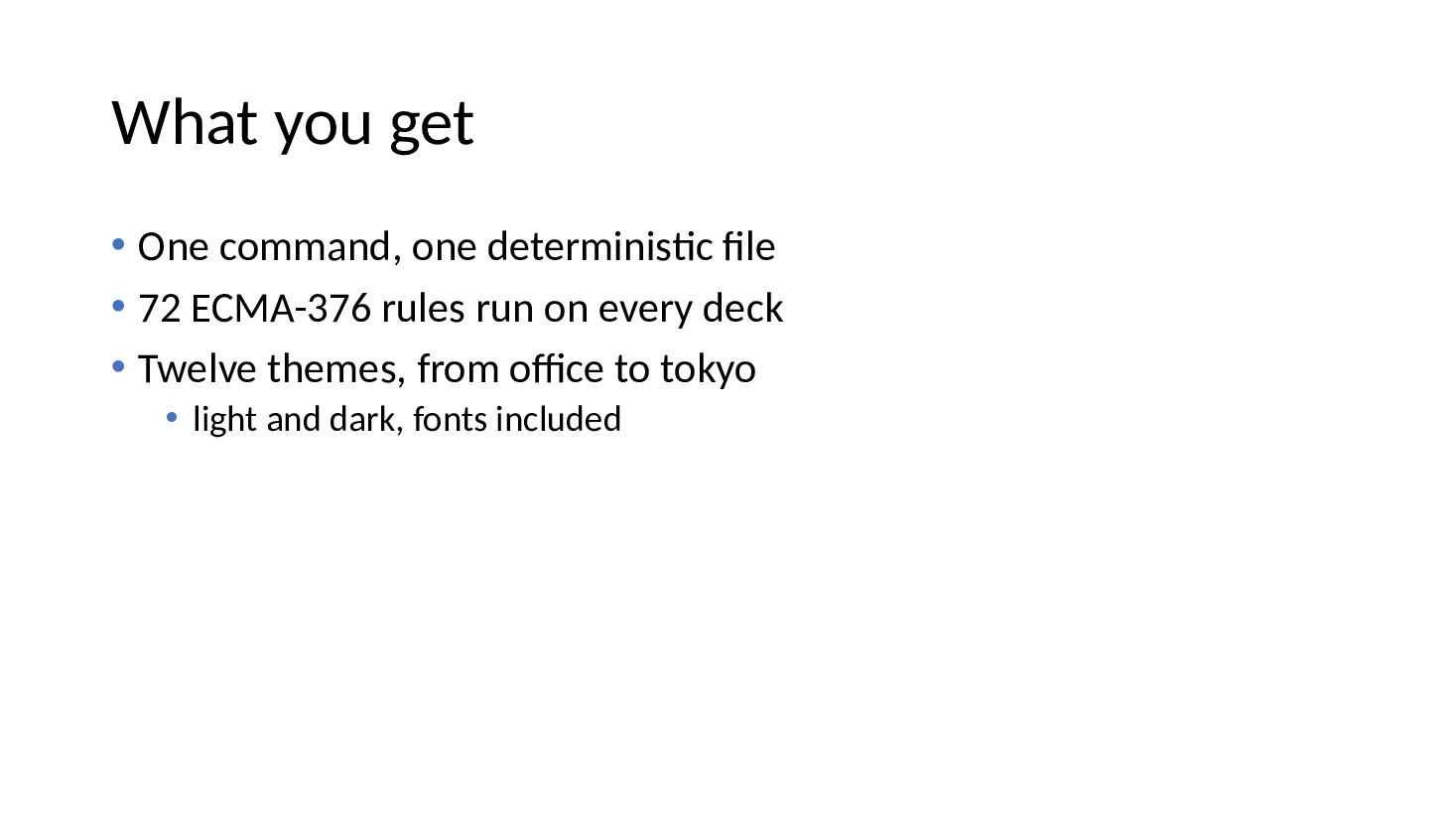
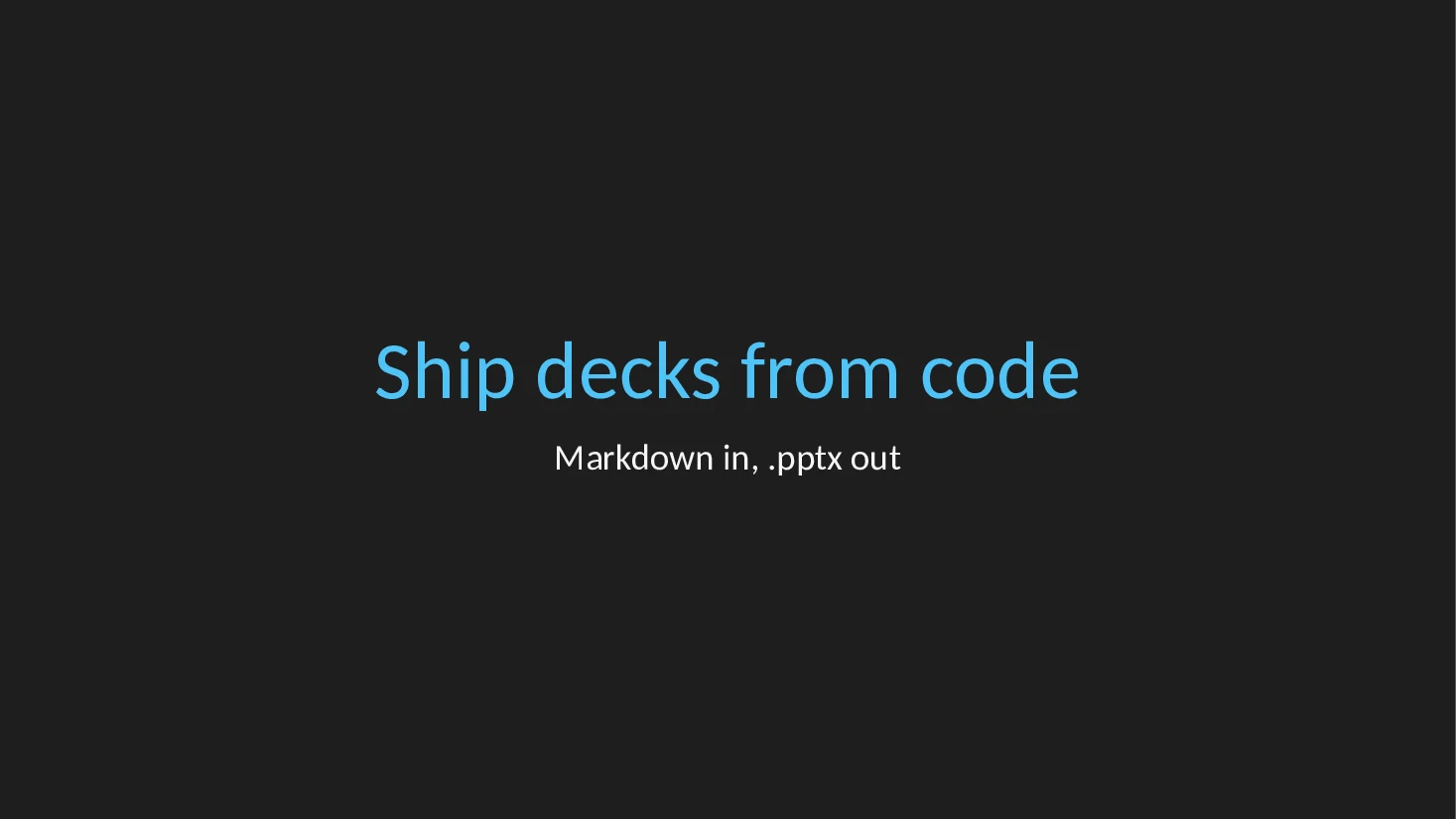
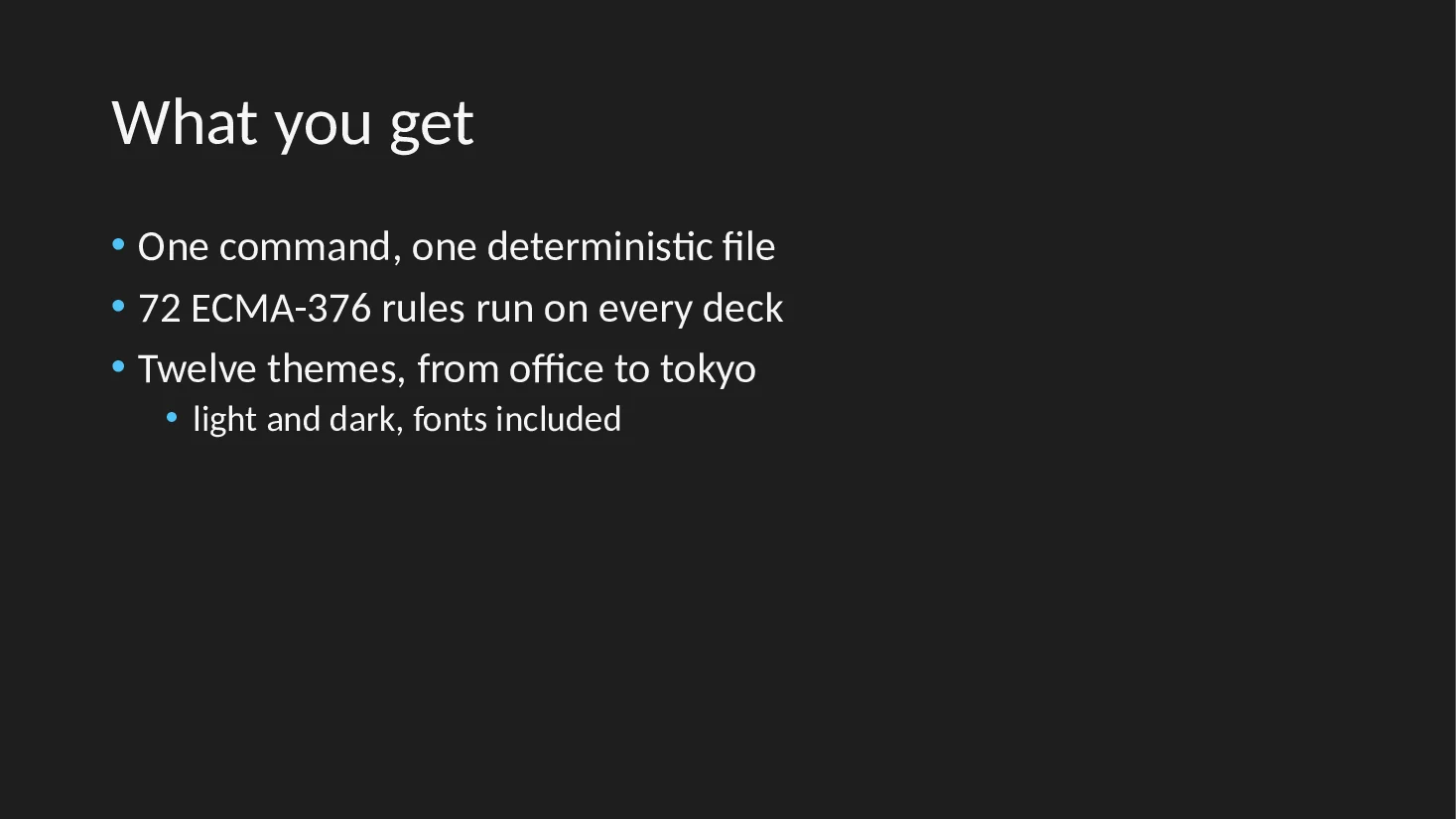
The source on the left, the slides it made on the right.
Every deck on this page was written by pptxboss 1.1, passes pptxboss check with no findings, and was rendered to these images by LibreOffice without any manual step. The Markdown, Python and Rust sources are shown as they ran.
Themes
One Markdown file, twelve themes.
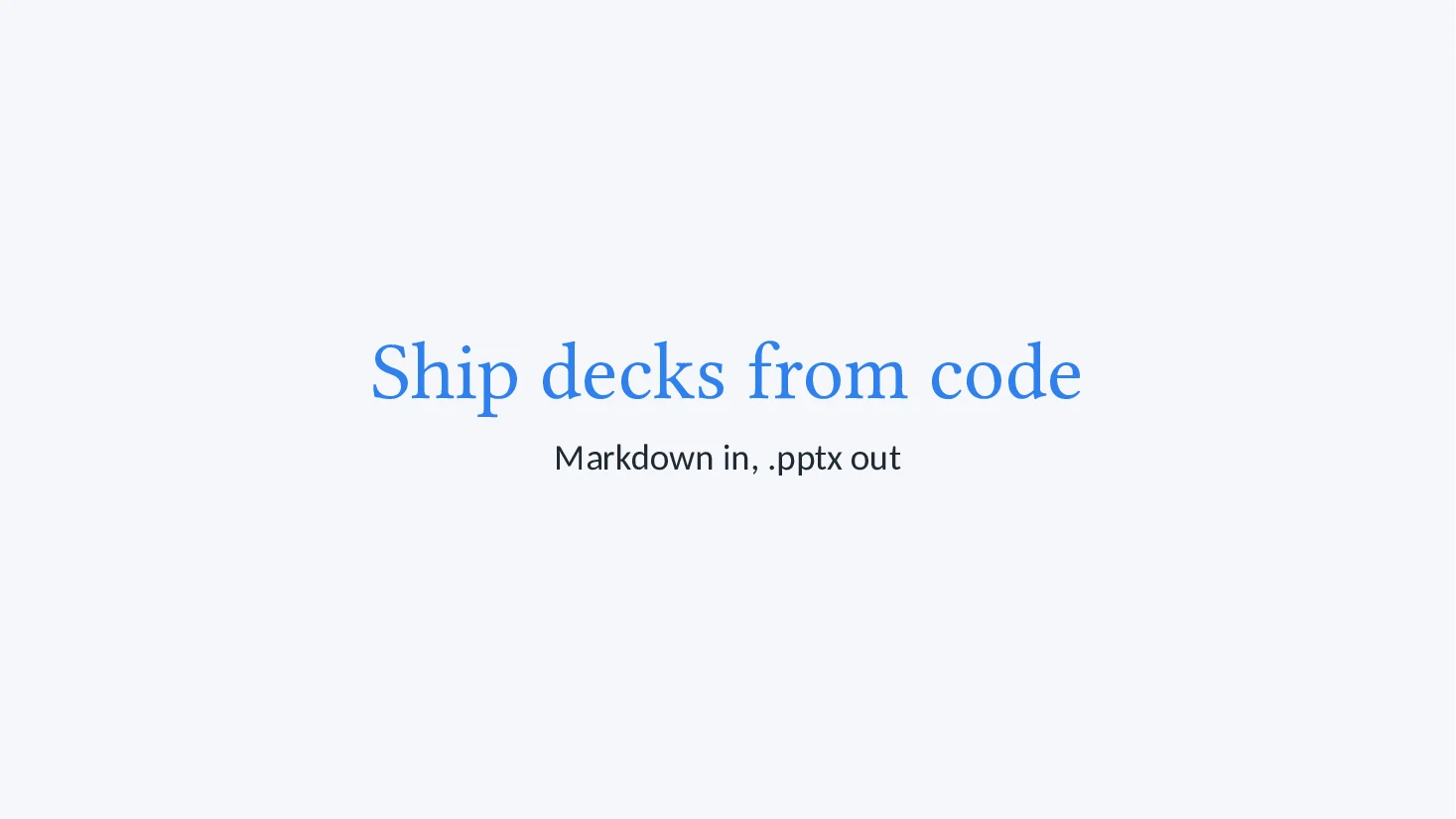
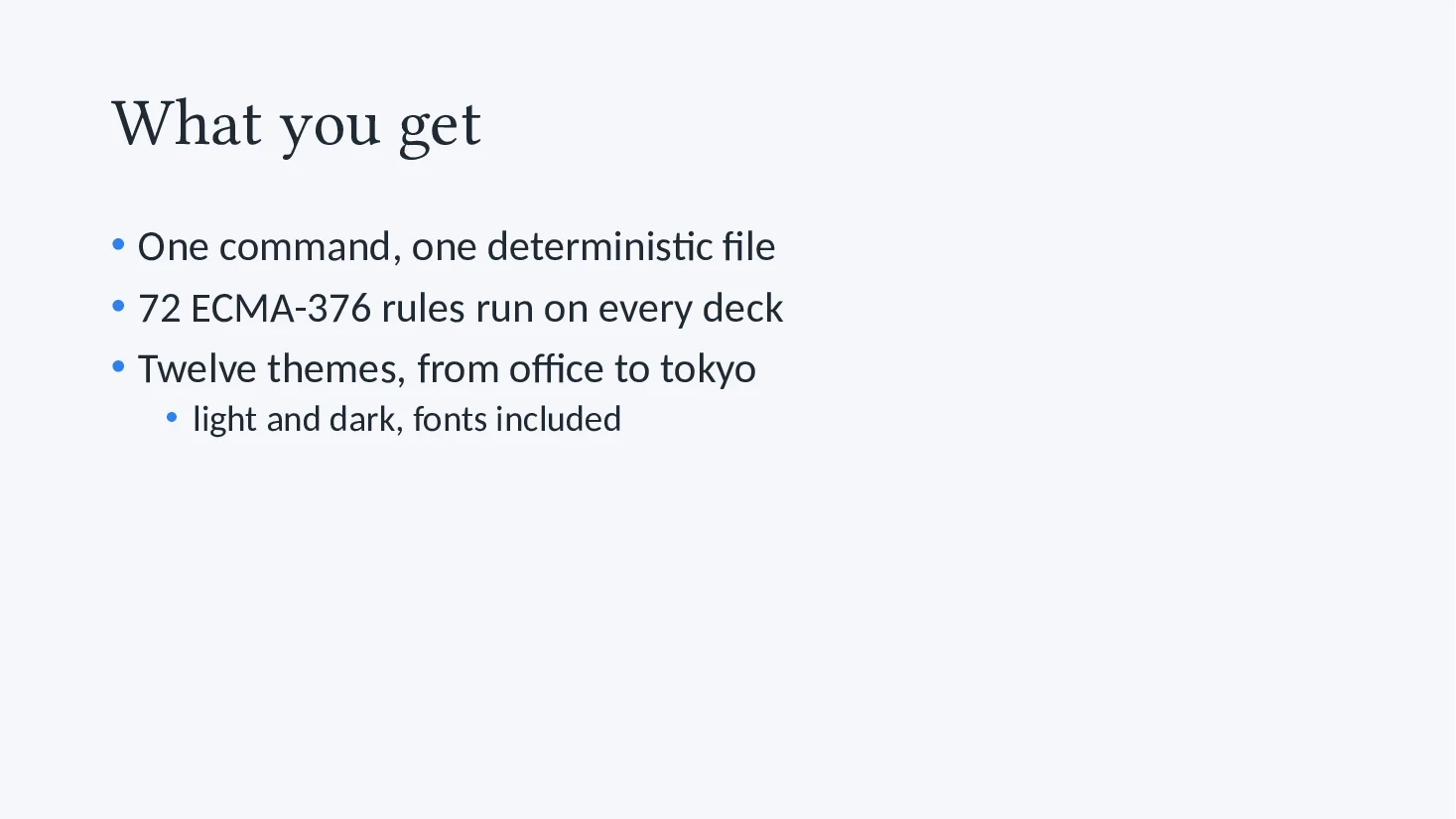
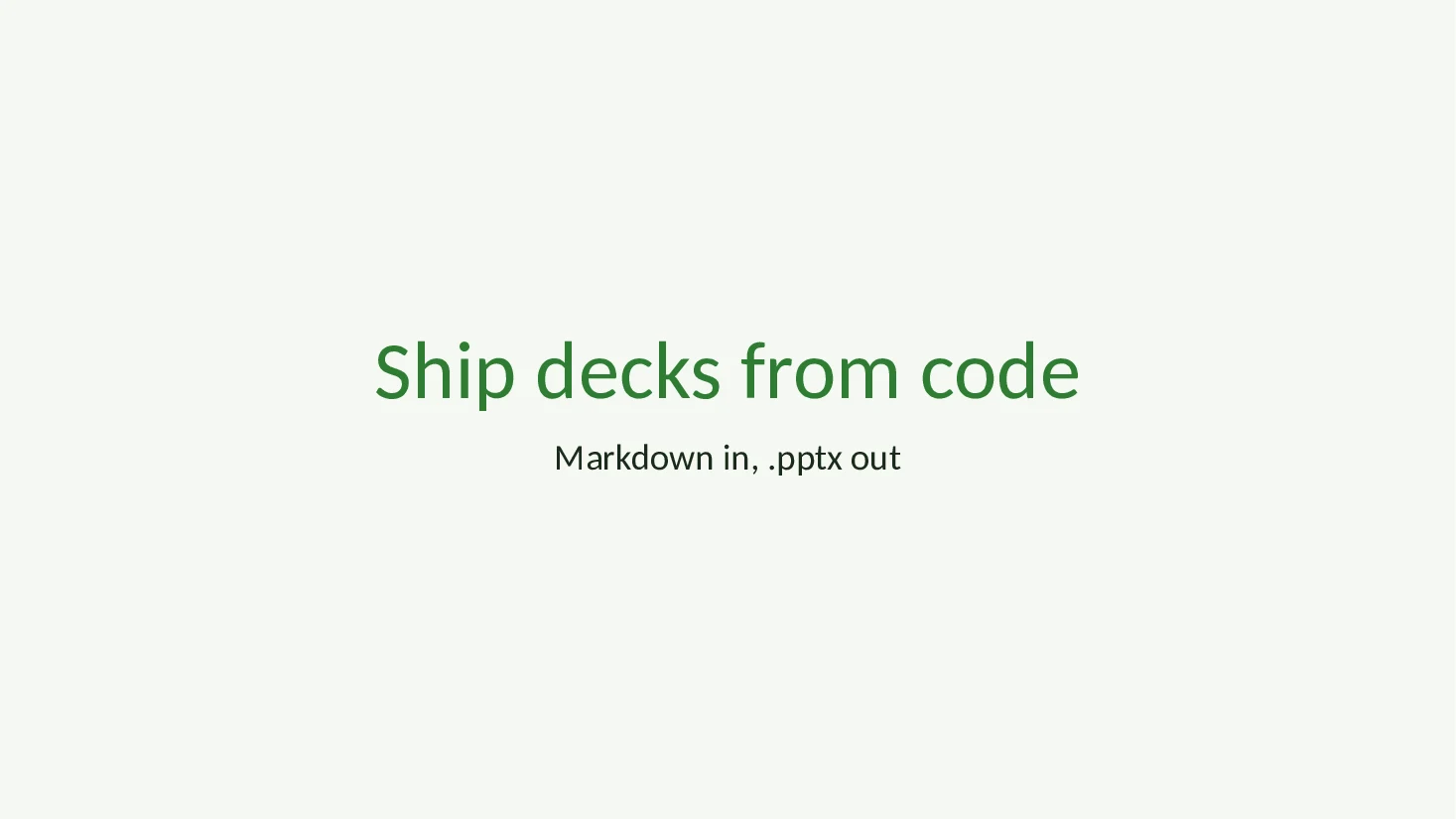
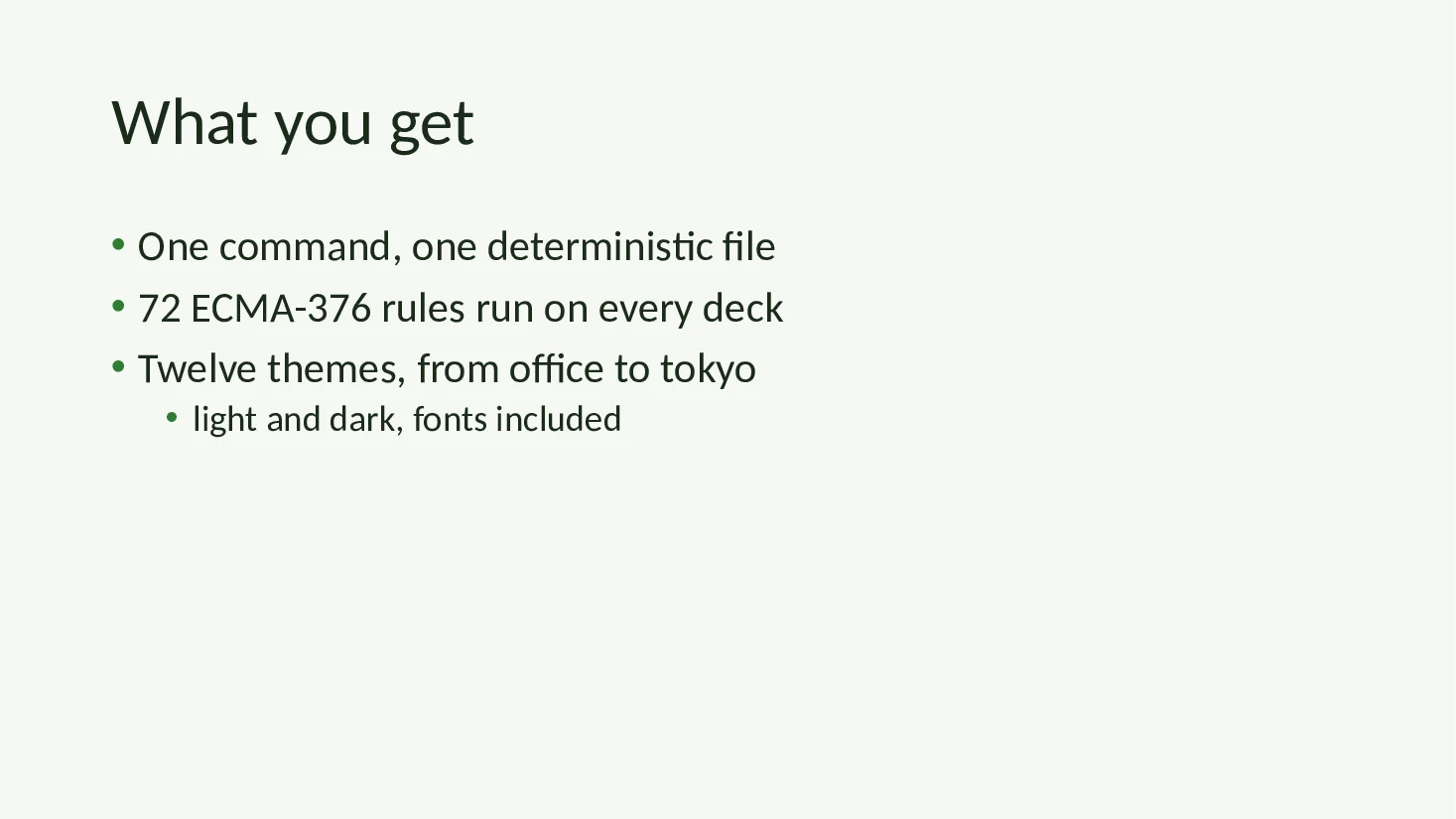
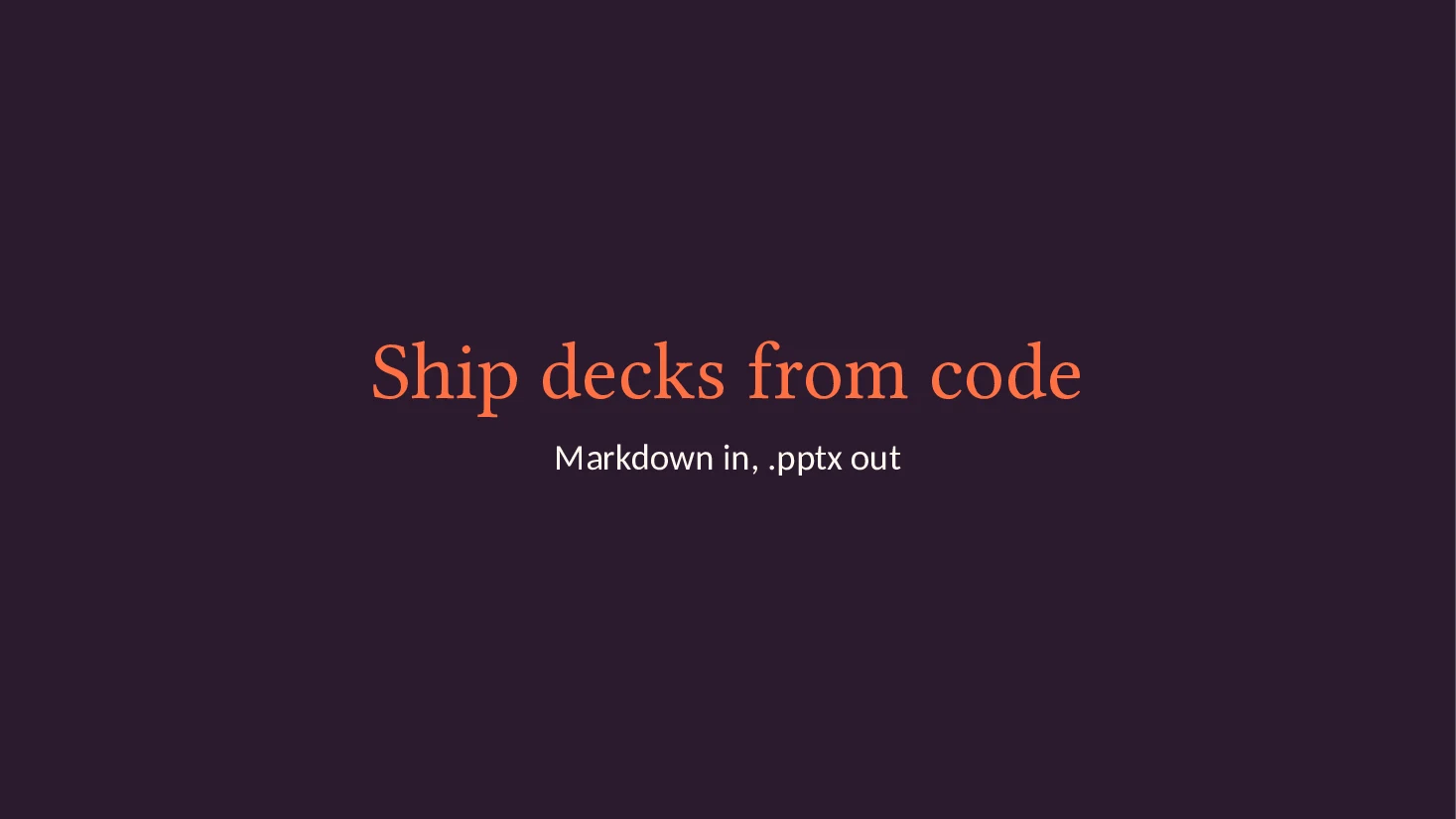
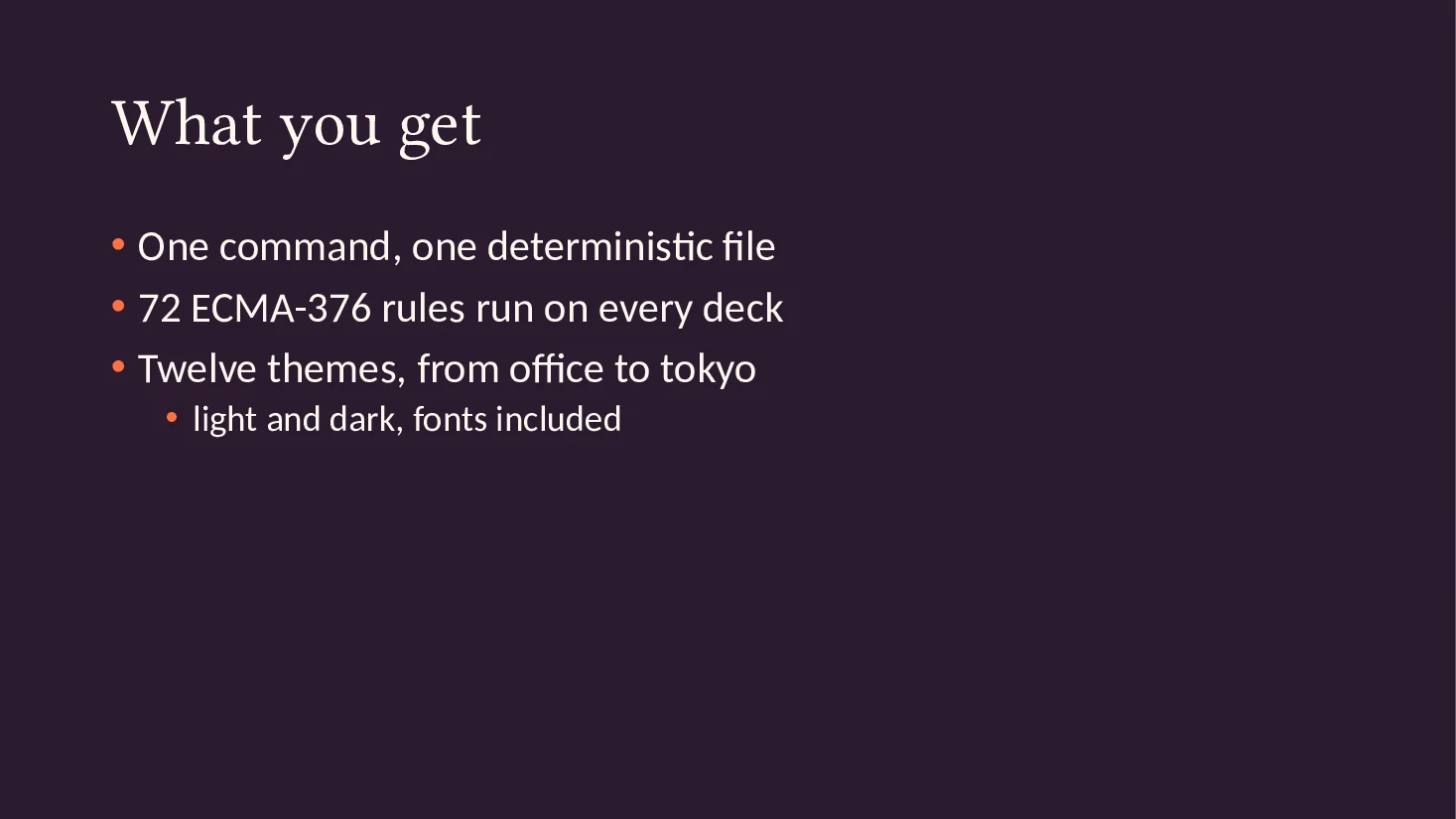
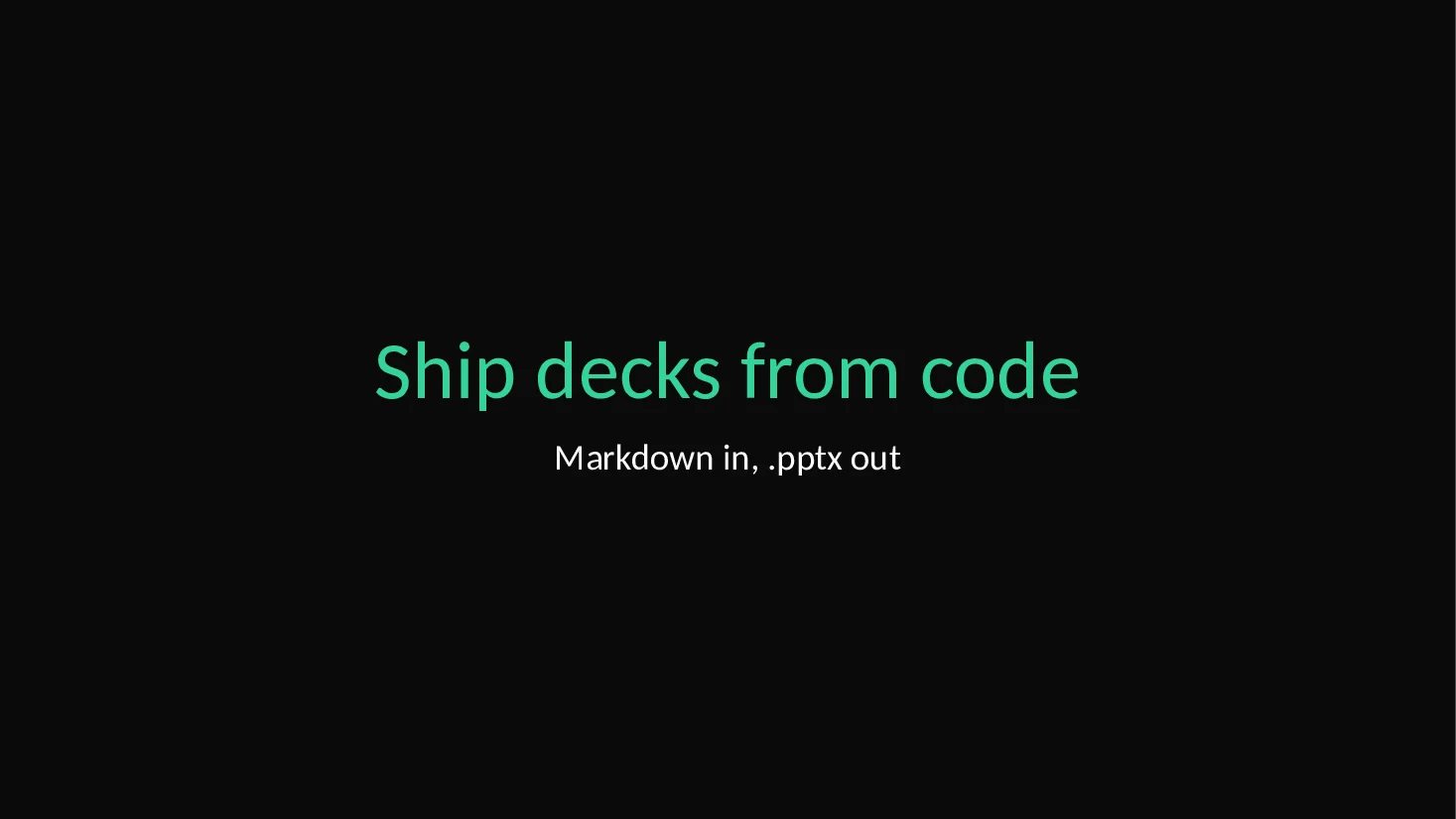
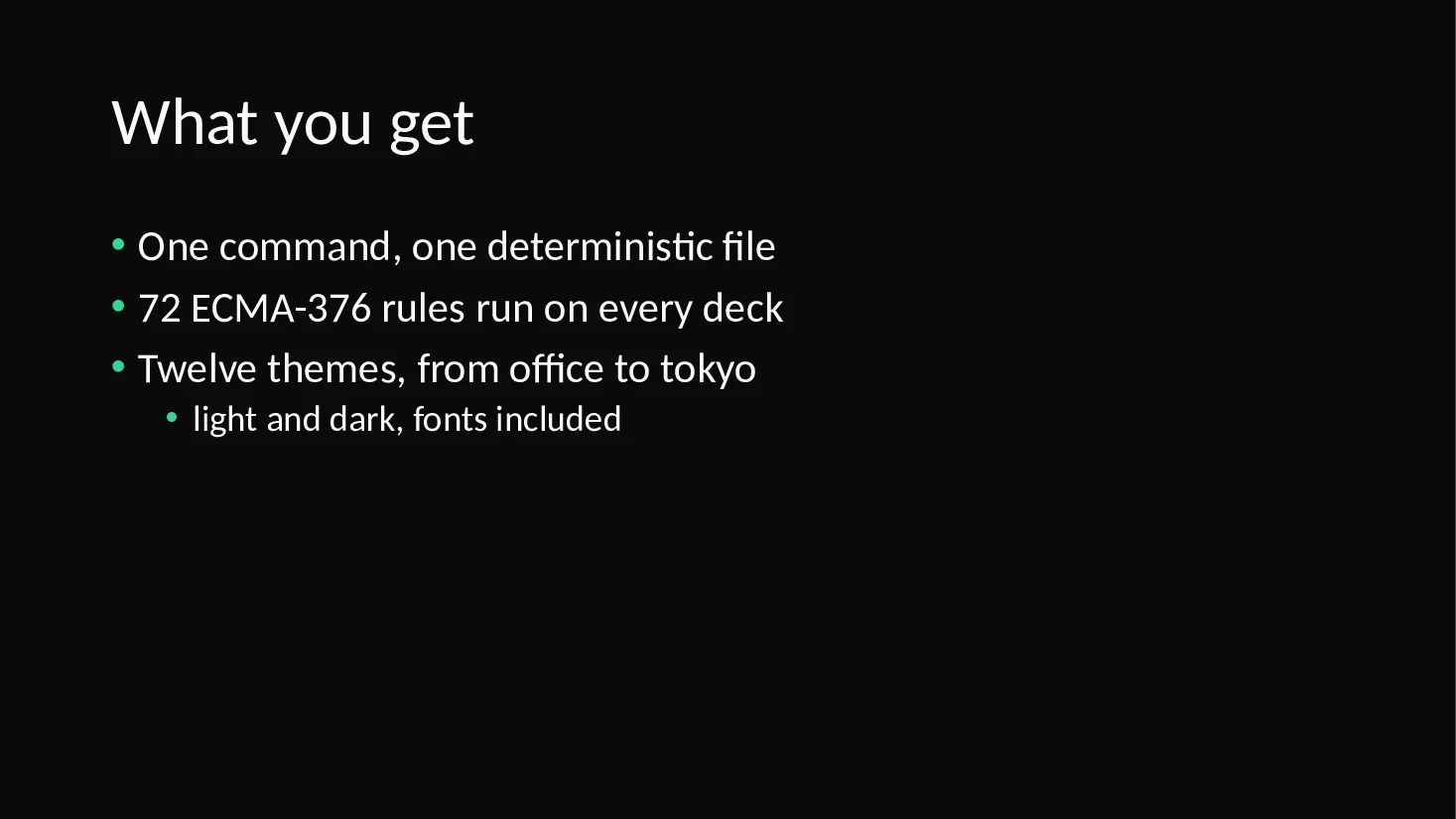
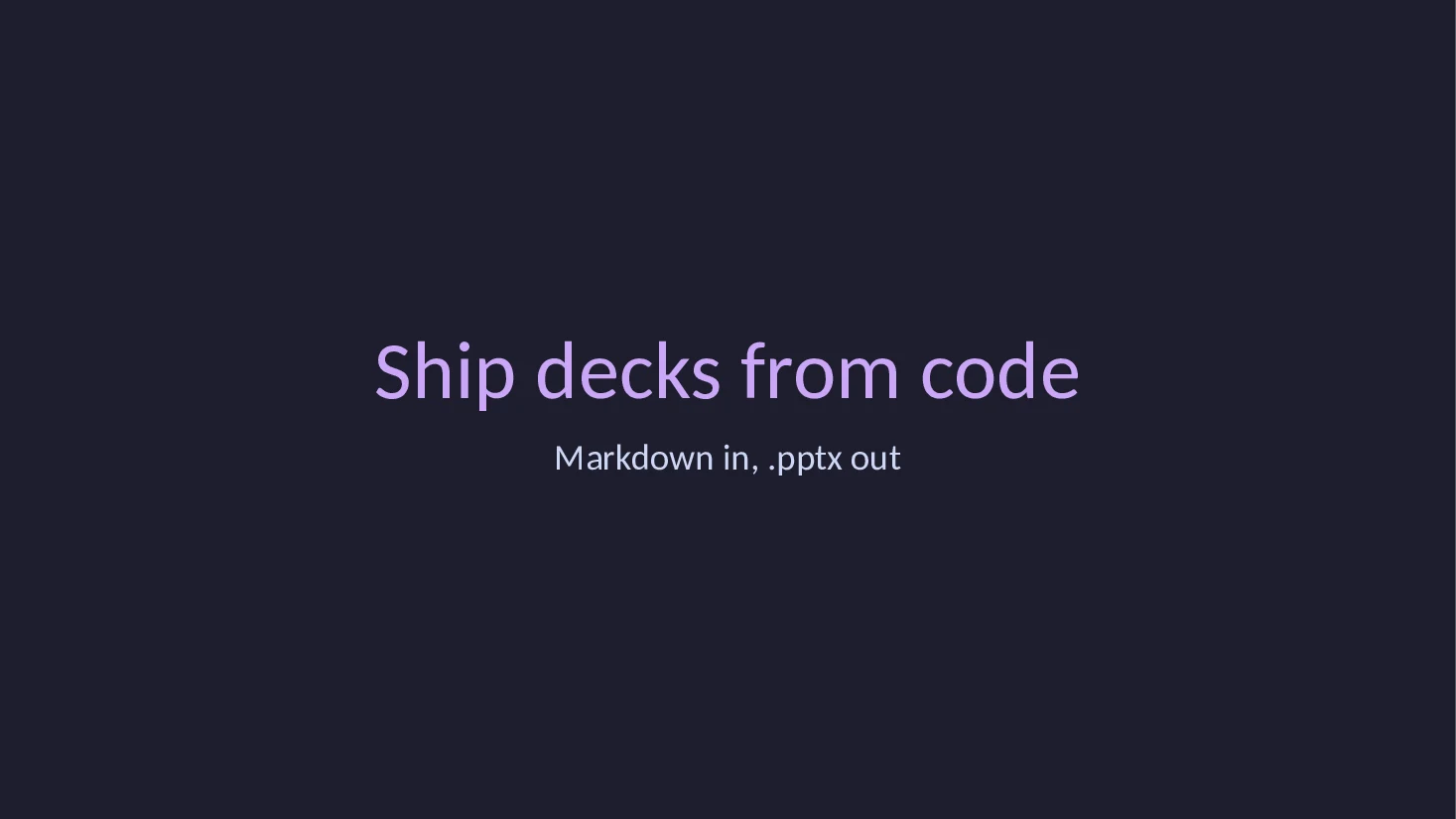
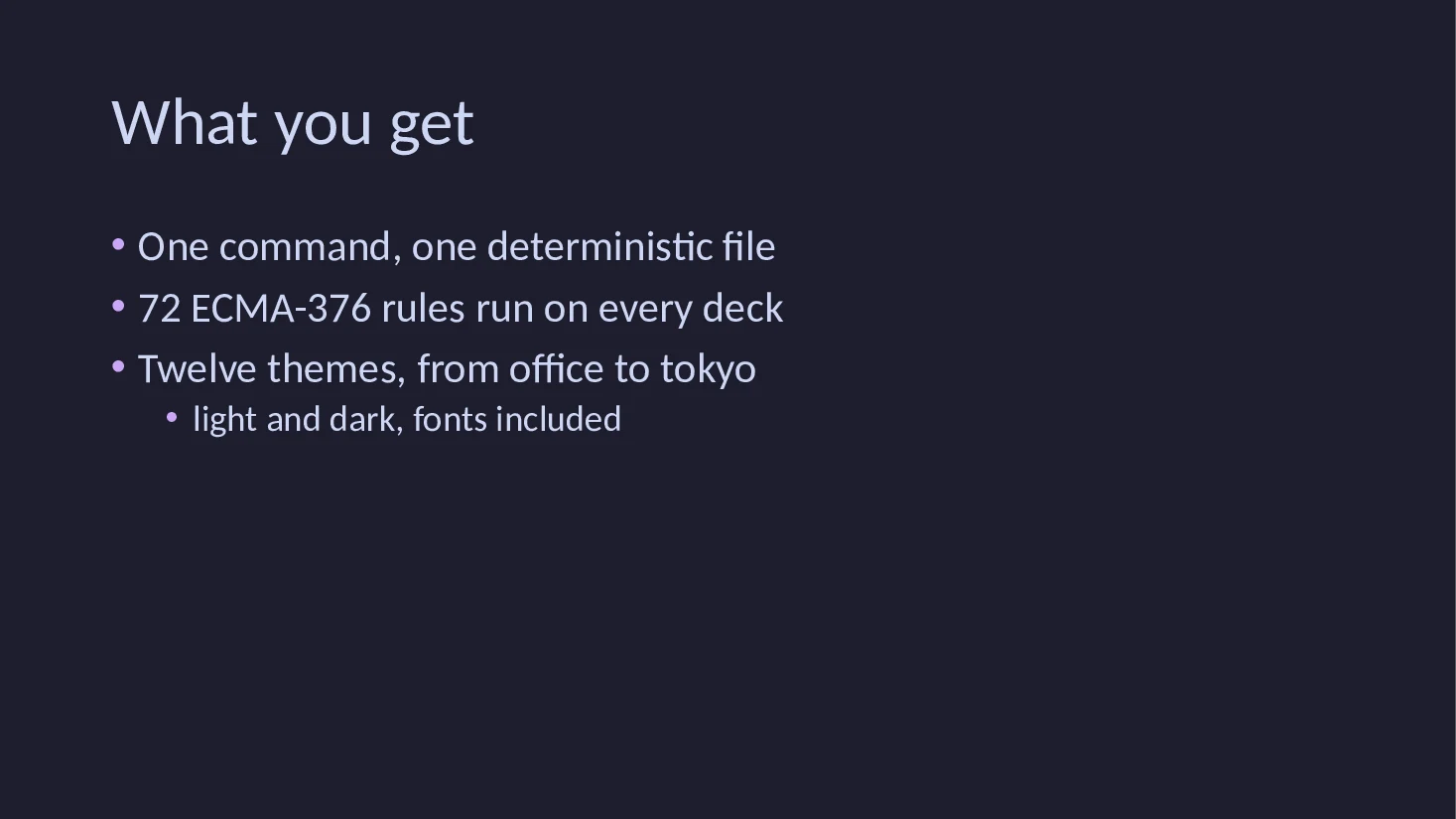
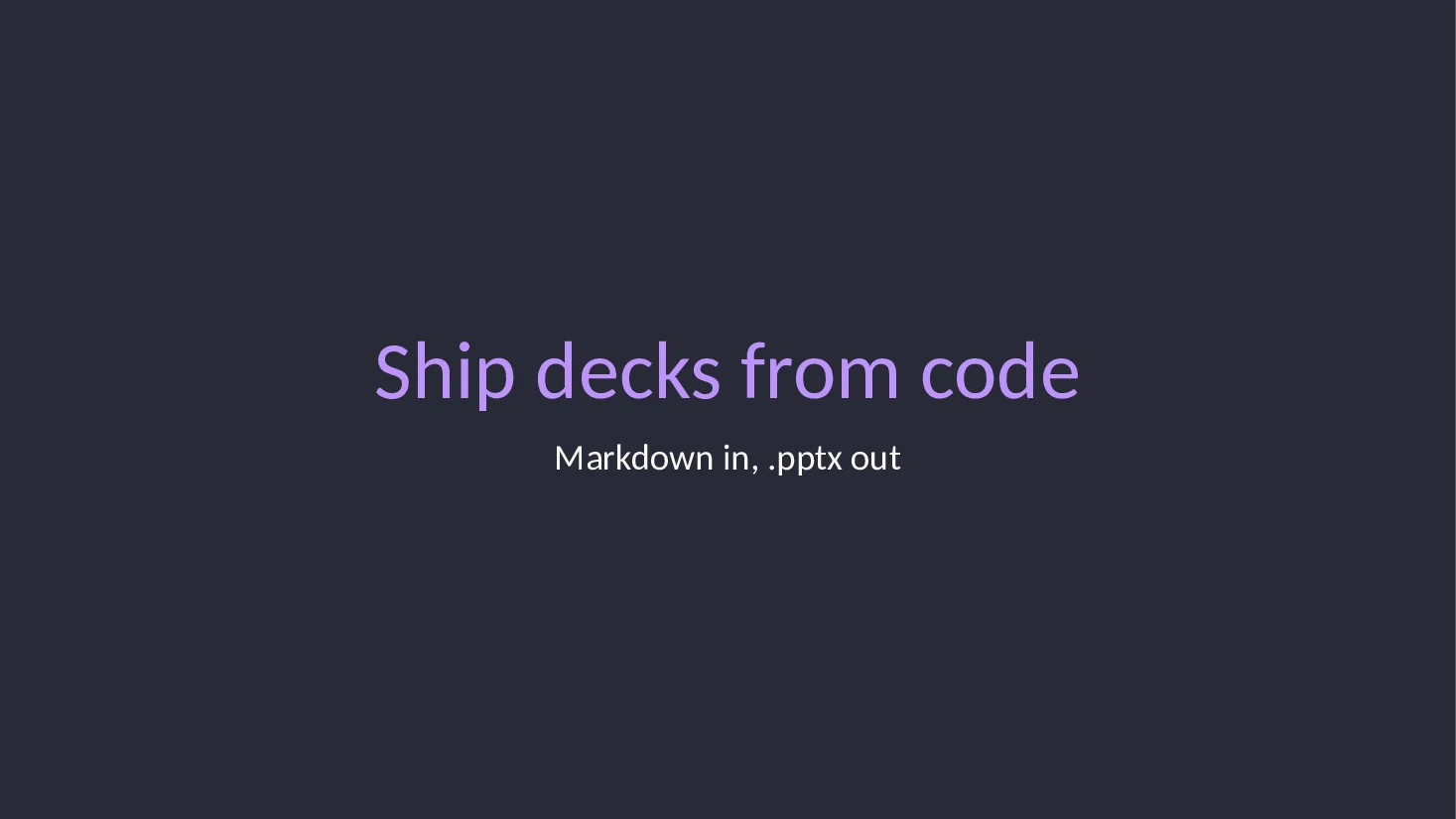
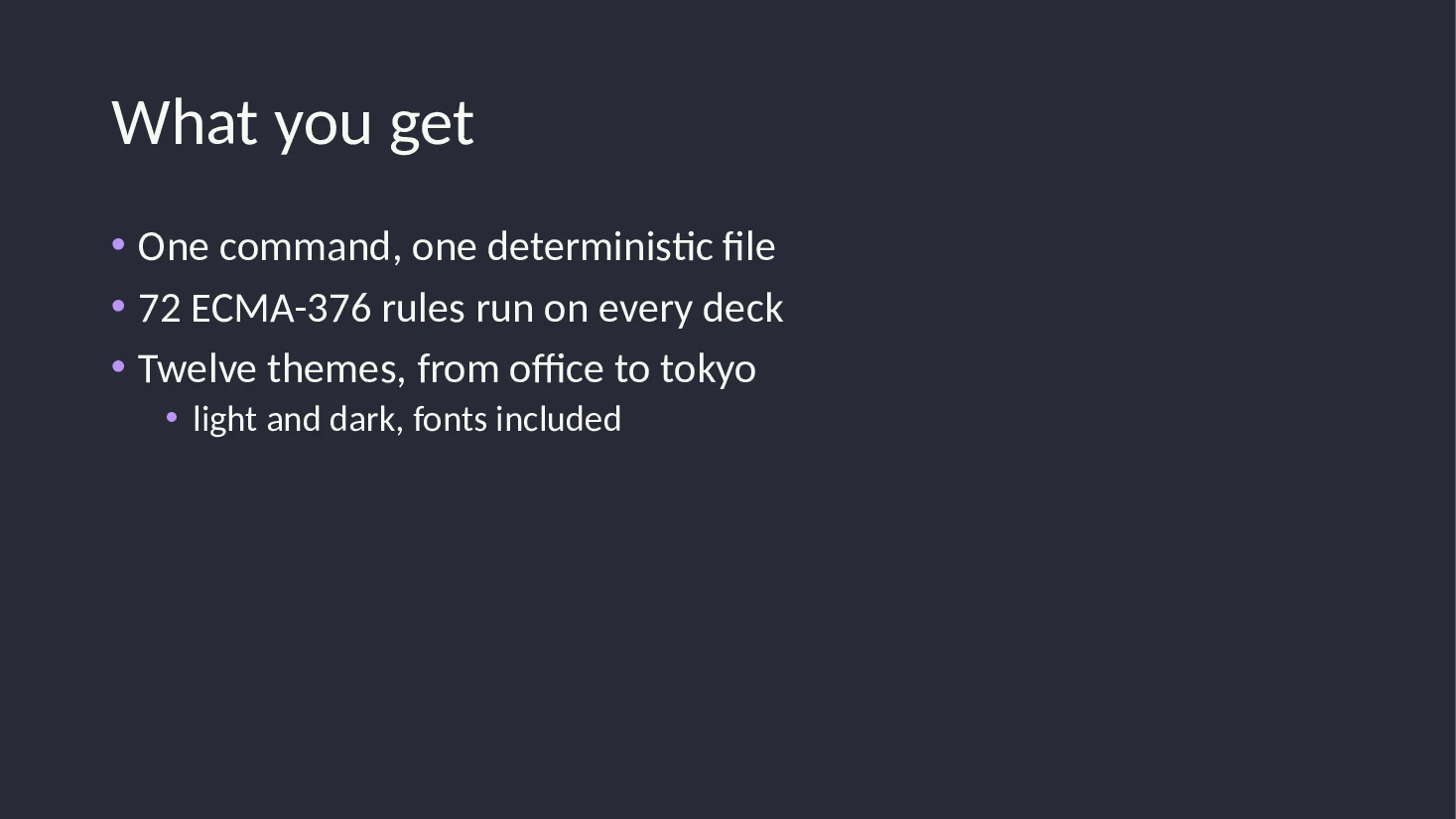
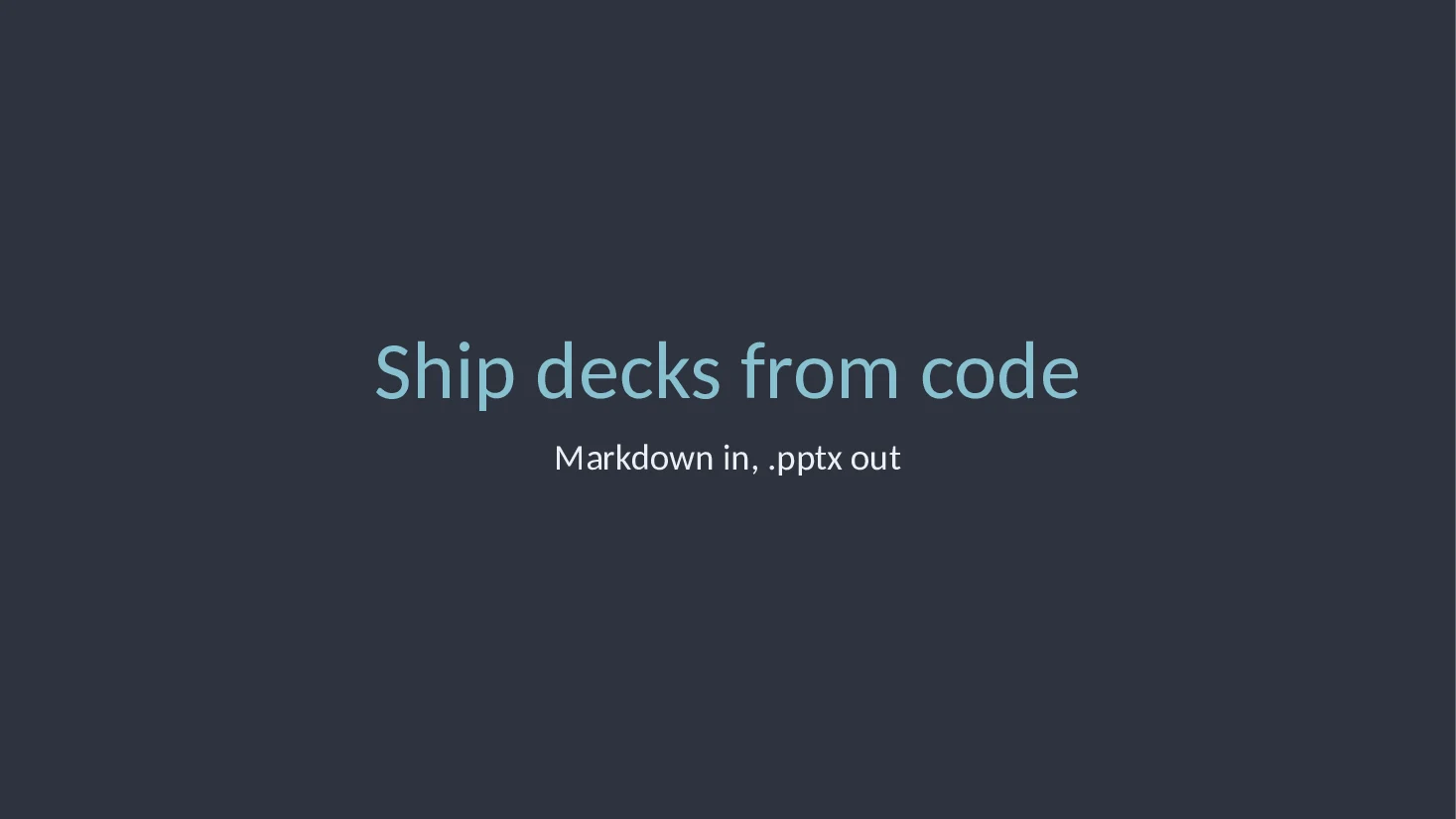
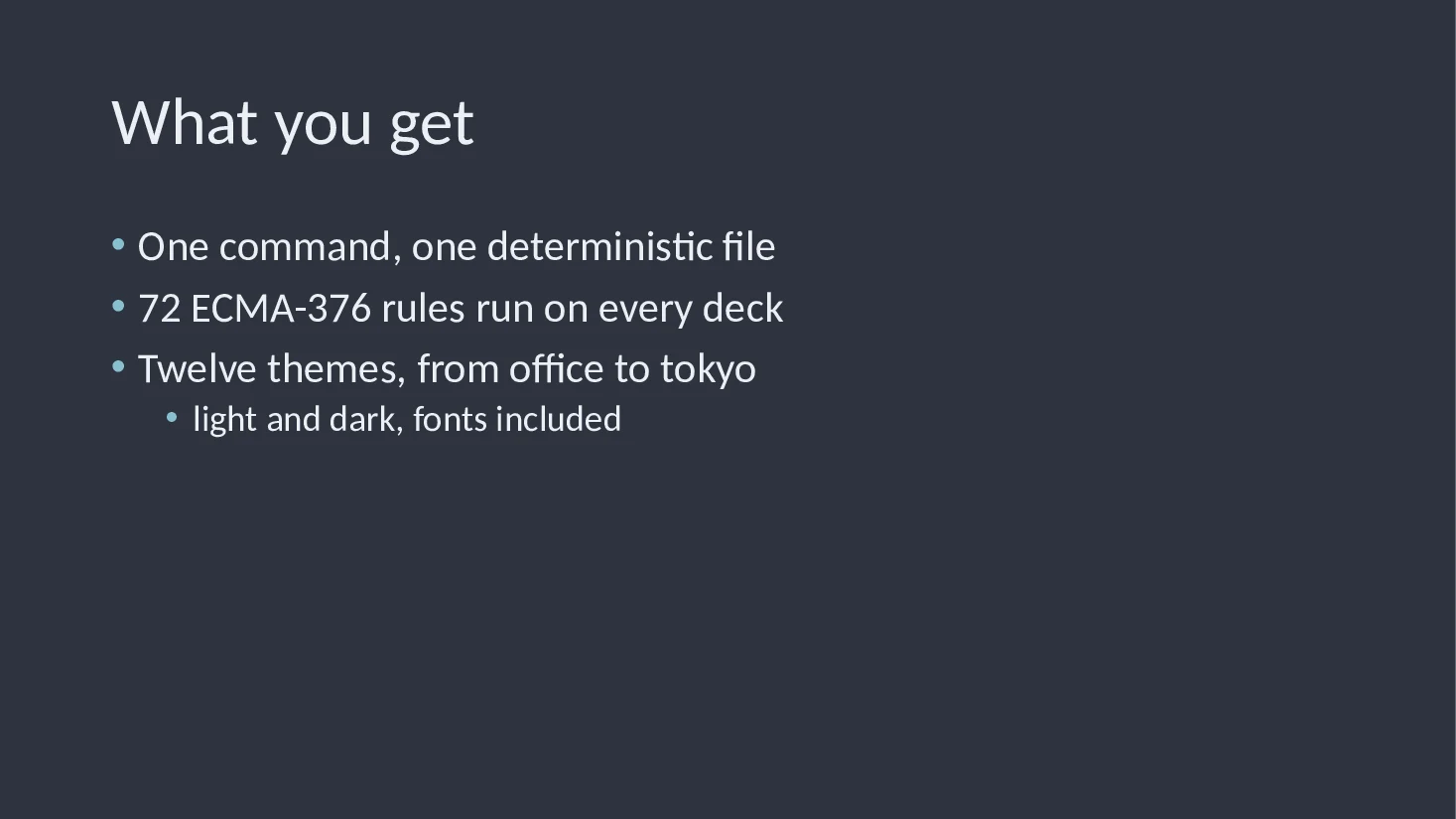
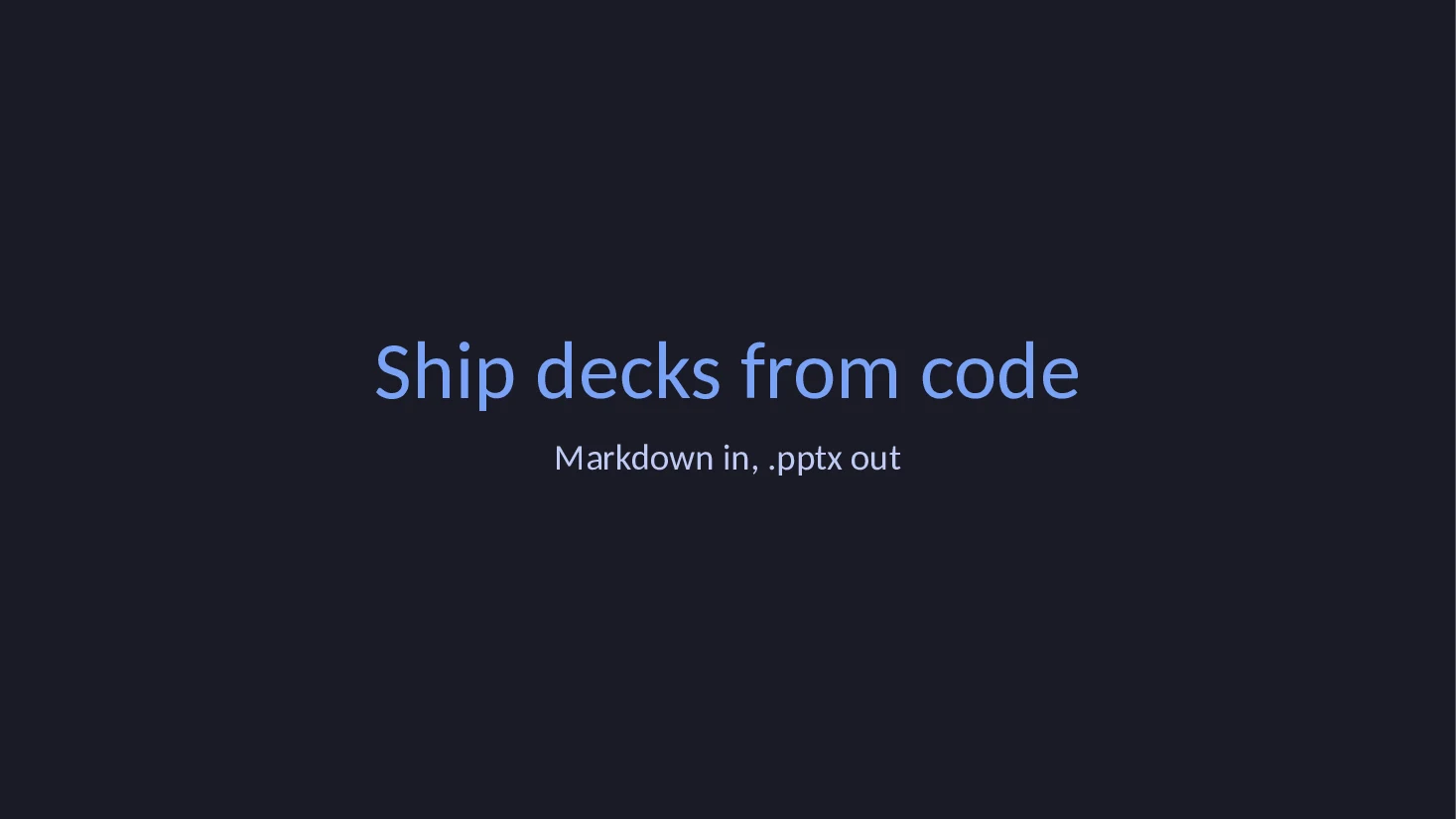
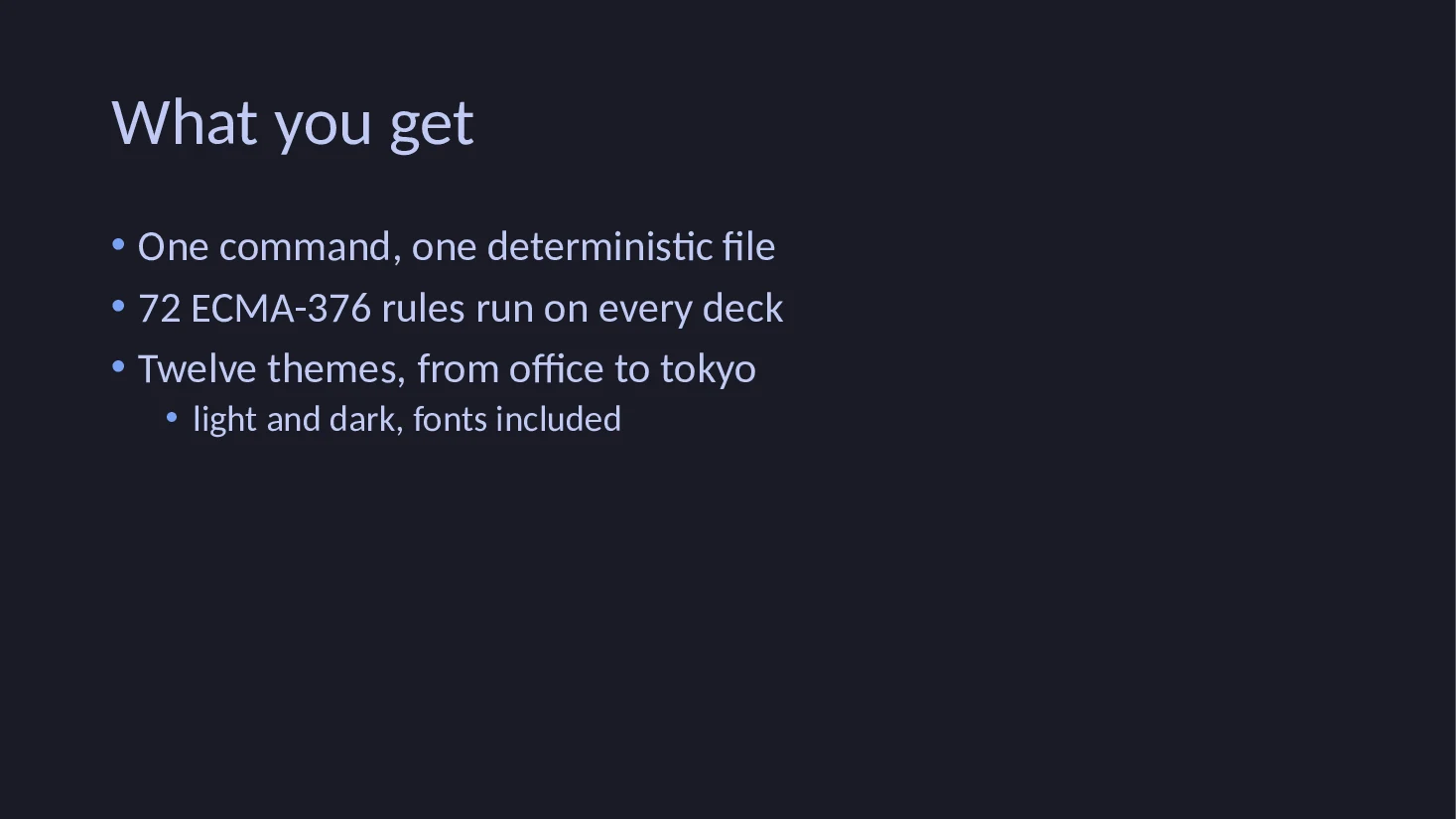
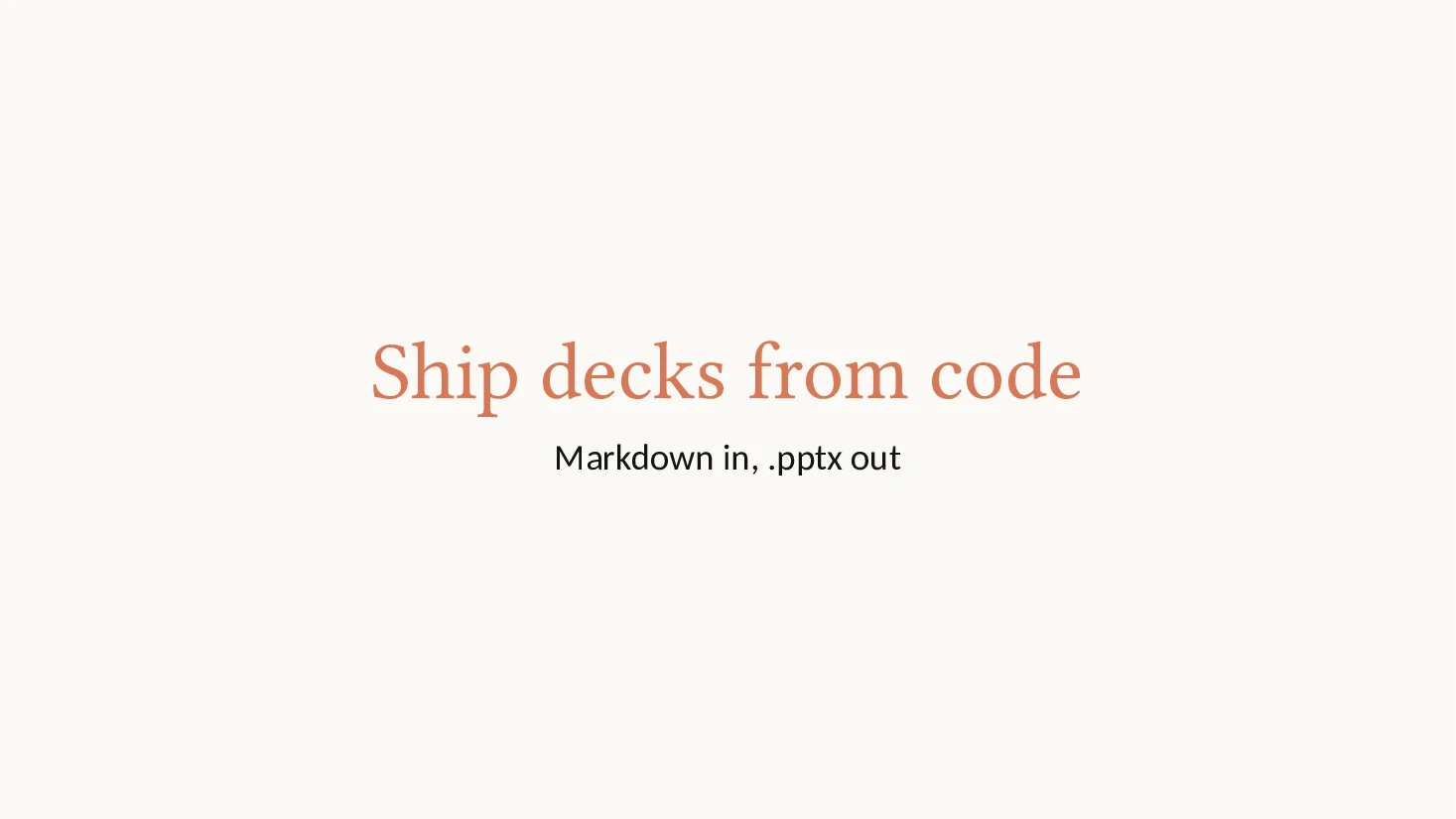
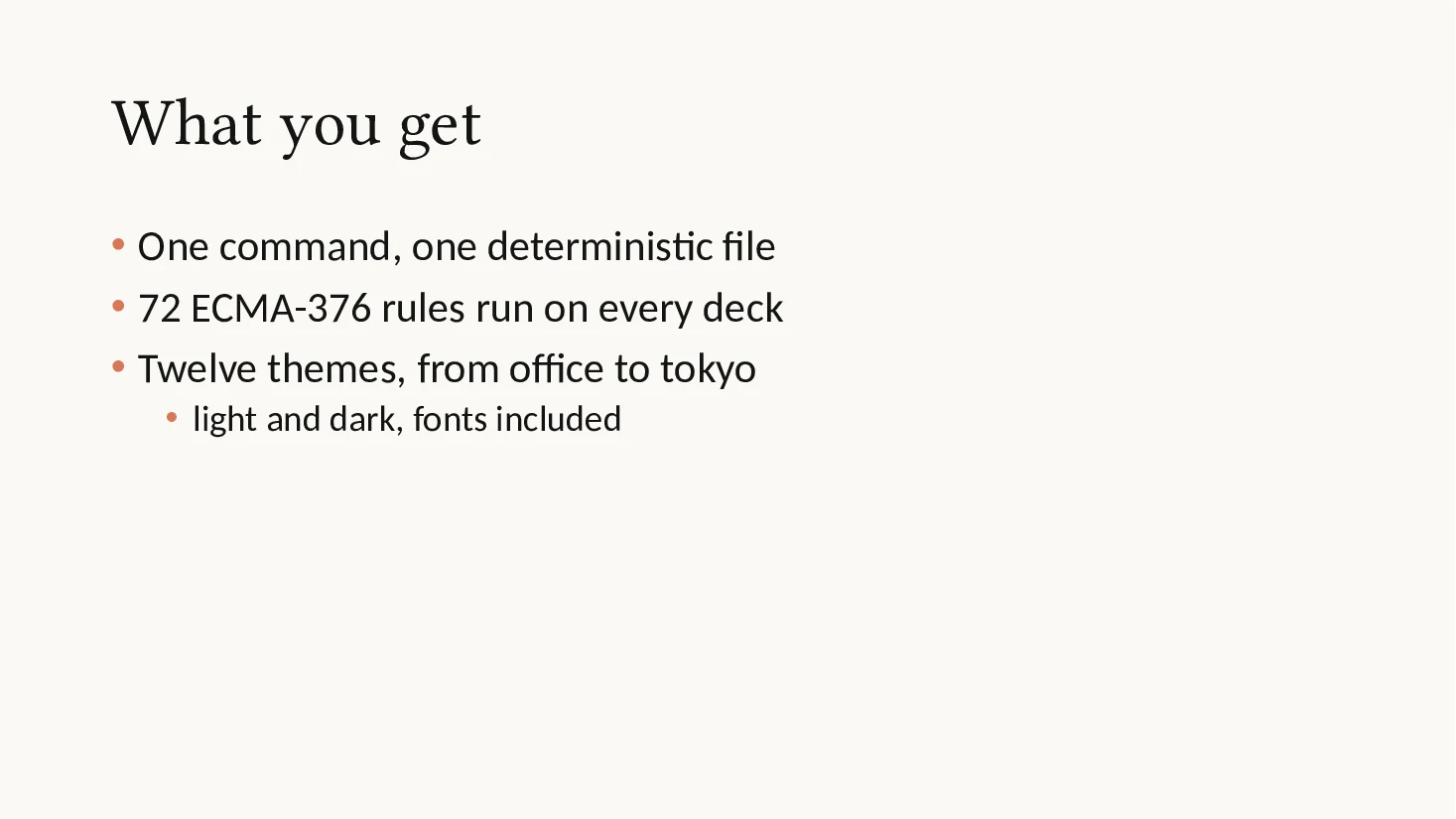
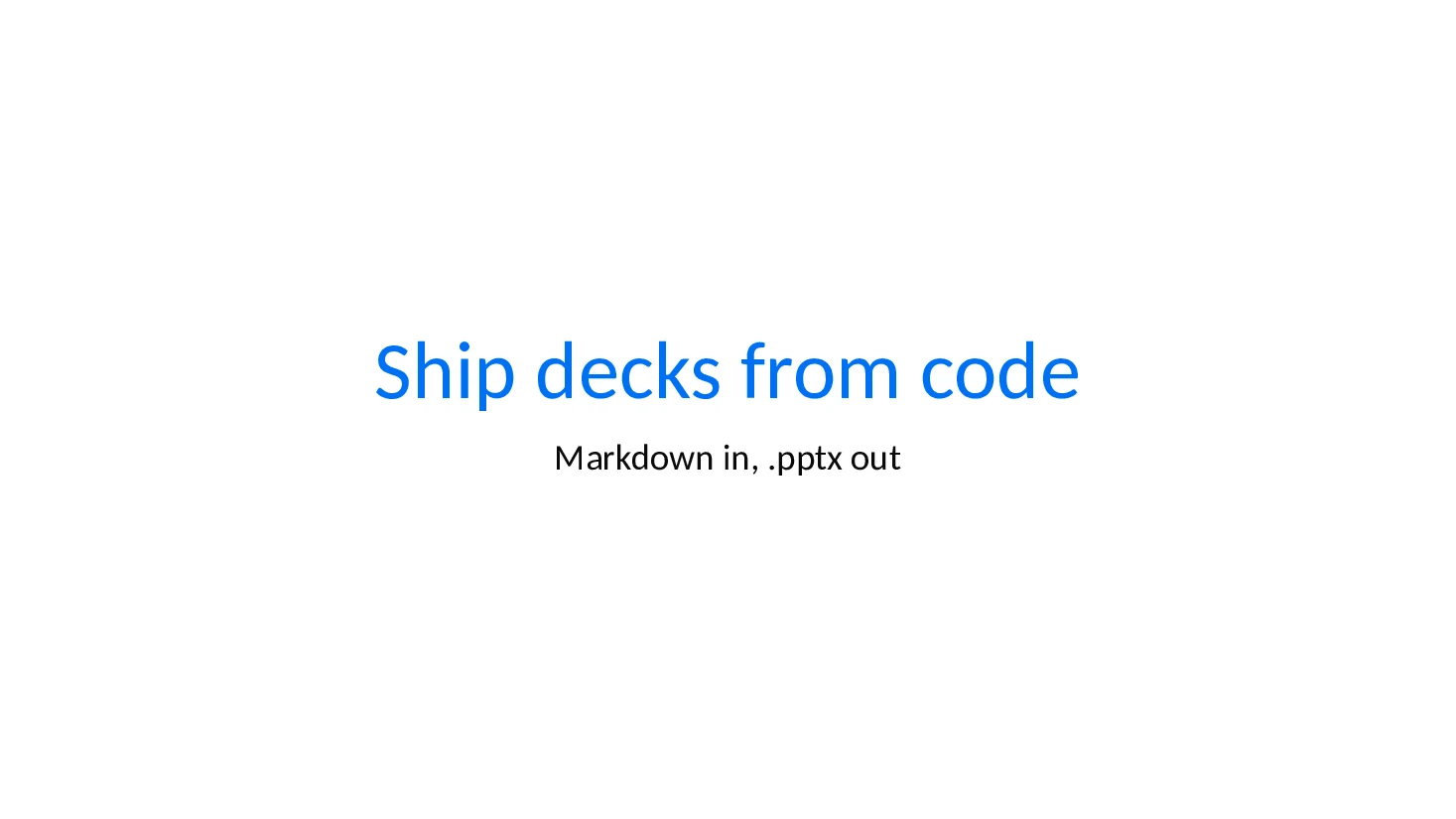
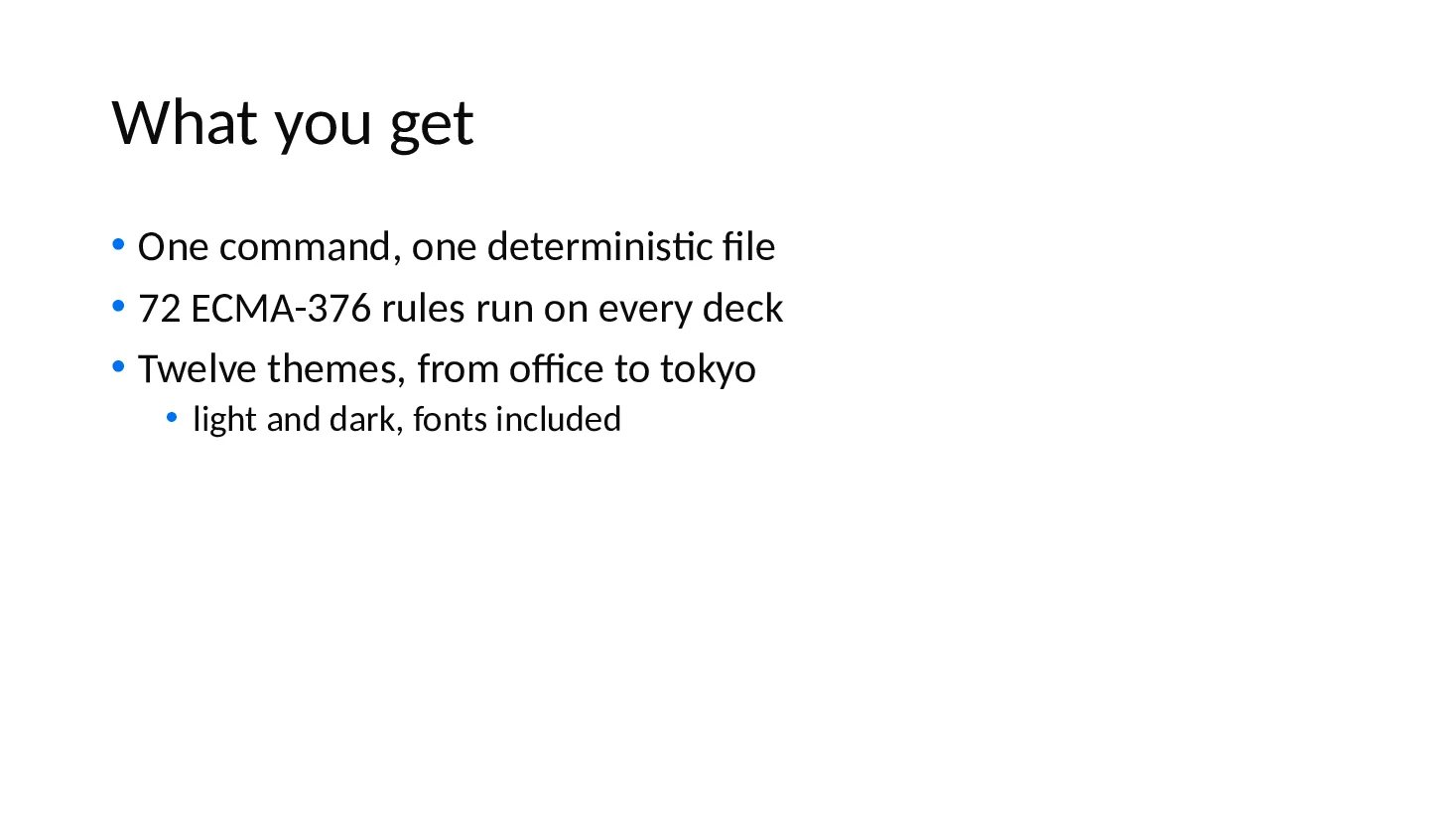
A # heading becomes the title slide, a ## heading a content slide, list items bullets and a Notes: line the speaker notes. The theme sets twelve colors and two fonts; dark presets swap the light and dark slots so text stays readable. Title slides center the title in the first accent color, and bullets take the same color.
# Ship decks from code

Markdown in, .pptx out

## What you get

- One command, one deterministic file
- 72 ECMA-376 rules run on every deck
- Twelve themes, from `office` to `tokyo`
  - light and dark, fonts included

Notes: Thirty seconds, then the demo.$ pptxboss create md office.pptx slides.md --theme office
$ pptxboss create md dark.pptx slides.md --theme dark
$ pptxboss create md slate.pptx slides.md --theme slate
$ pptxboss create md forest.pptx slides.md --theme forest
$ pptxboss create md sunset.pptx slides.md --theme sunset
$ pptxboss create md midnight.pptx slides.md --theme midnight
$ pptxboss create md mocha.pptx slides.md --theme mocha
$ pptxboss create md dracula.pptx slides.md --theme dracula
$ pptxboss create md nord.pptx slides.md --theme nord
$ pptxboss create md tokyo.pptx slides.md --theme tokyo
$ pptxboss create md clay.pptx slides.md --theme clay
$ pptxboss create md mono.pptx slides.md --theme mono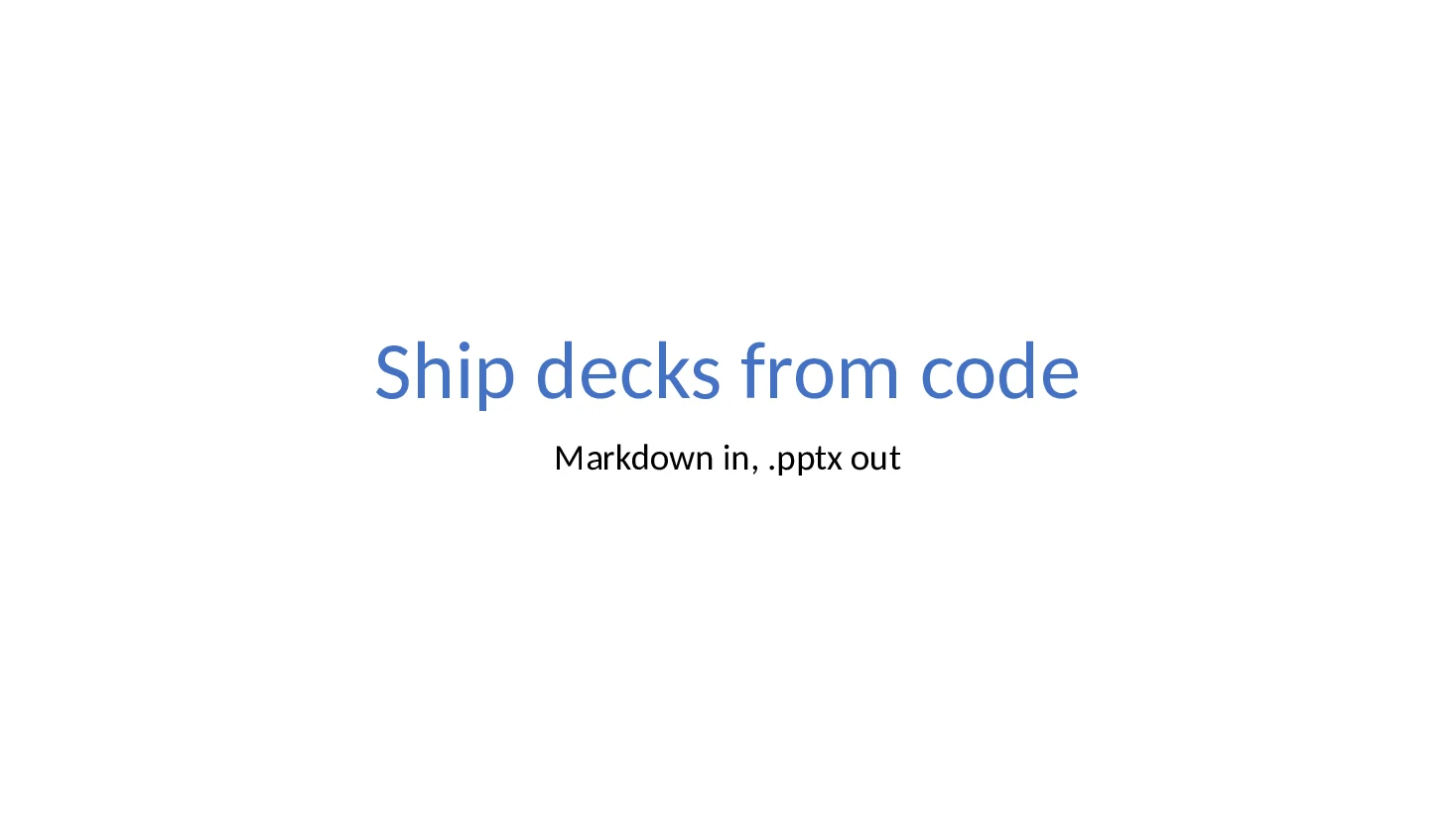
The same presets are Theme::tokyo() in Rust and Theme.preset("tokyo") in Python, and any of them takes new colors, fonts and backgrounds before use. Styling in the guide →
Python
Runs, a table and a gradient close.
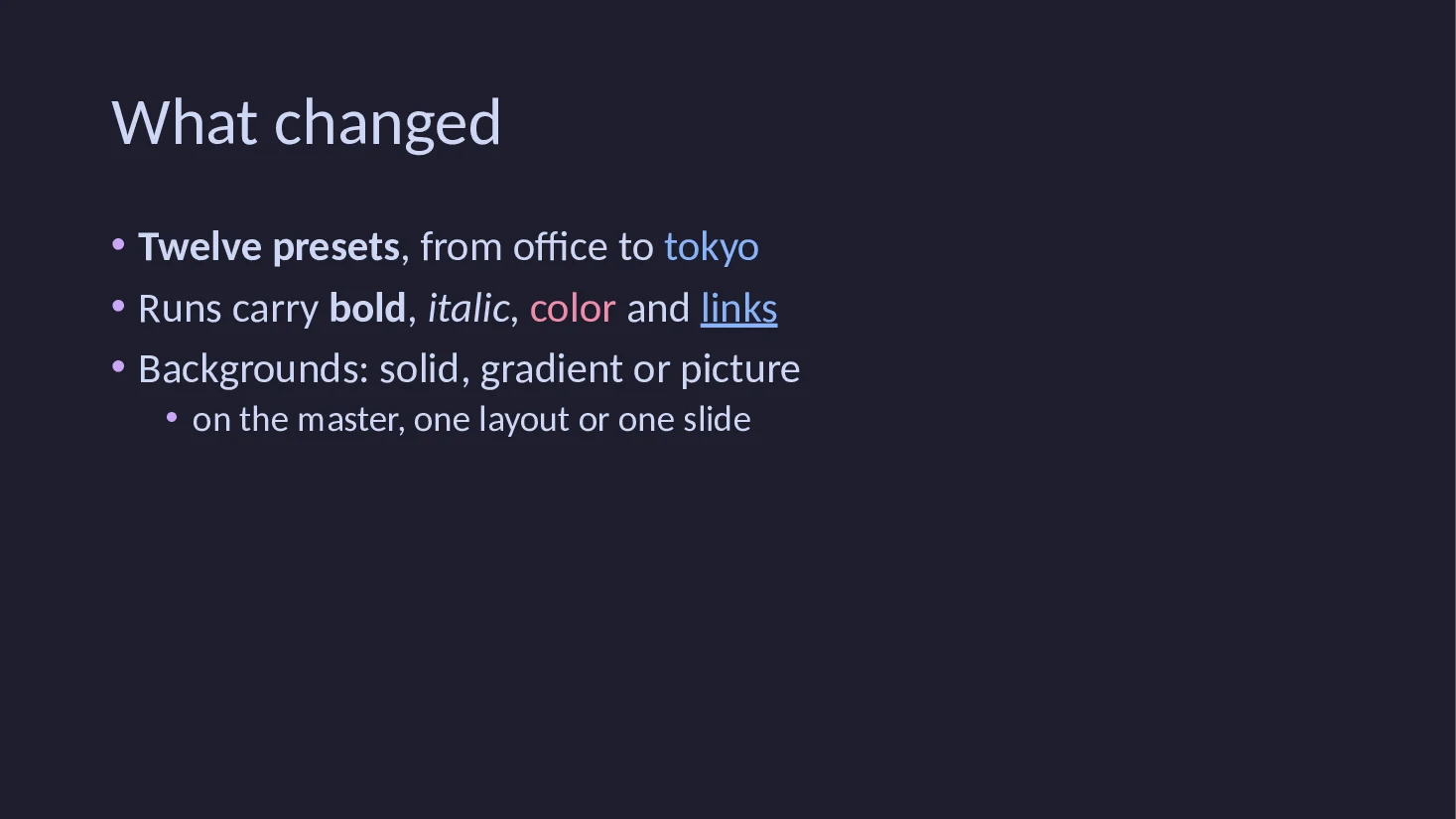
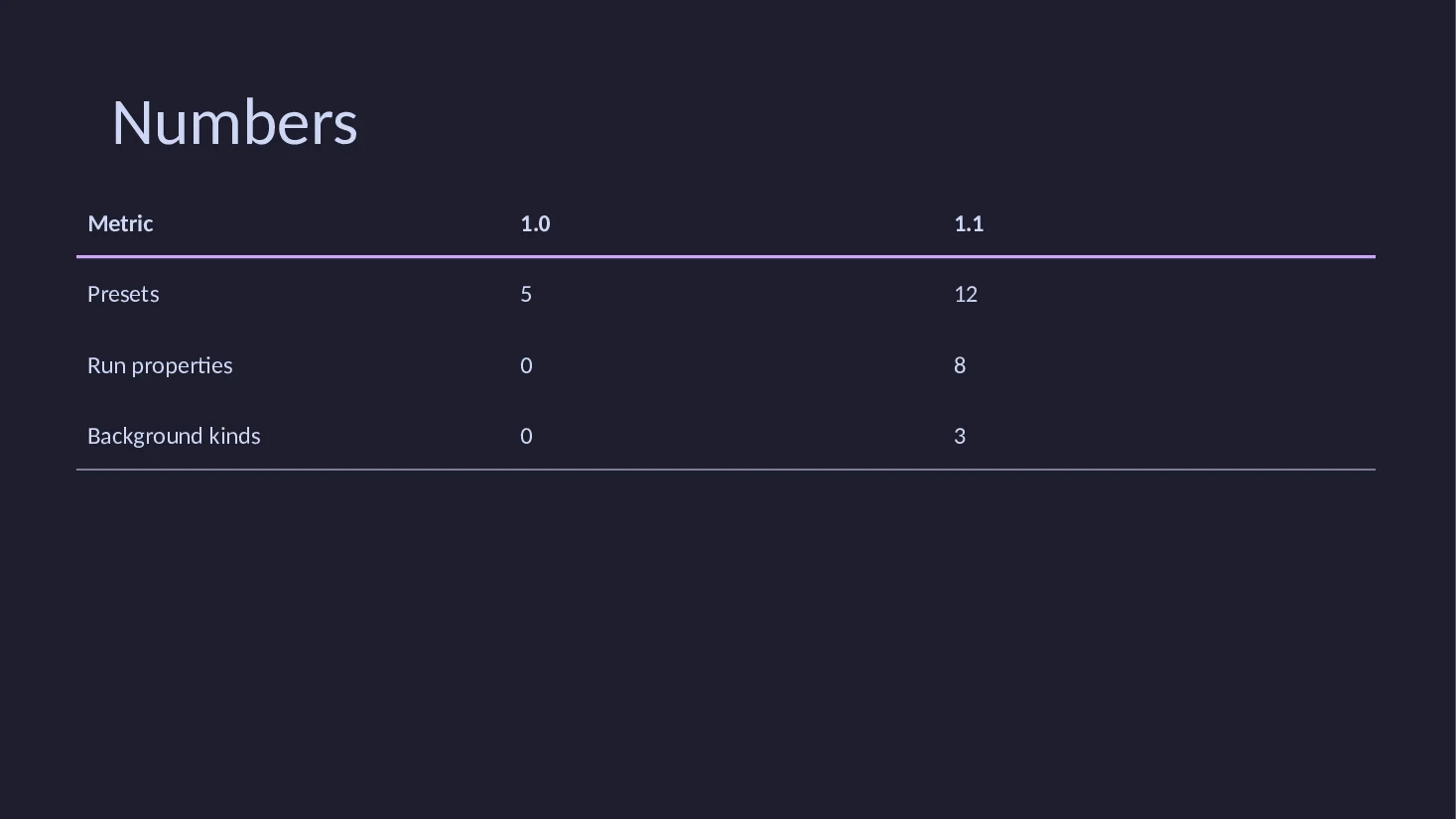
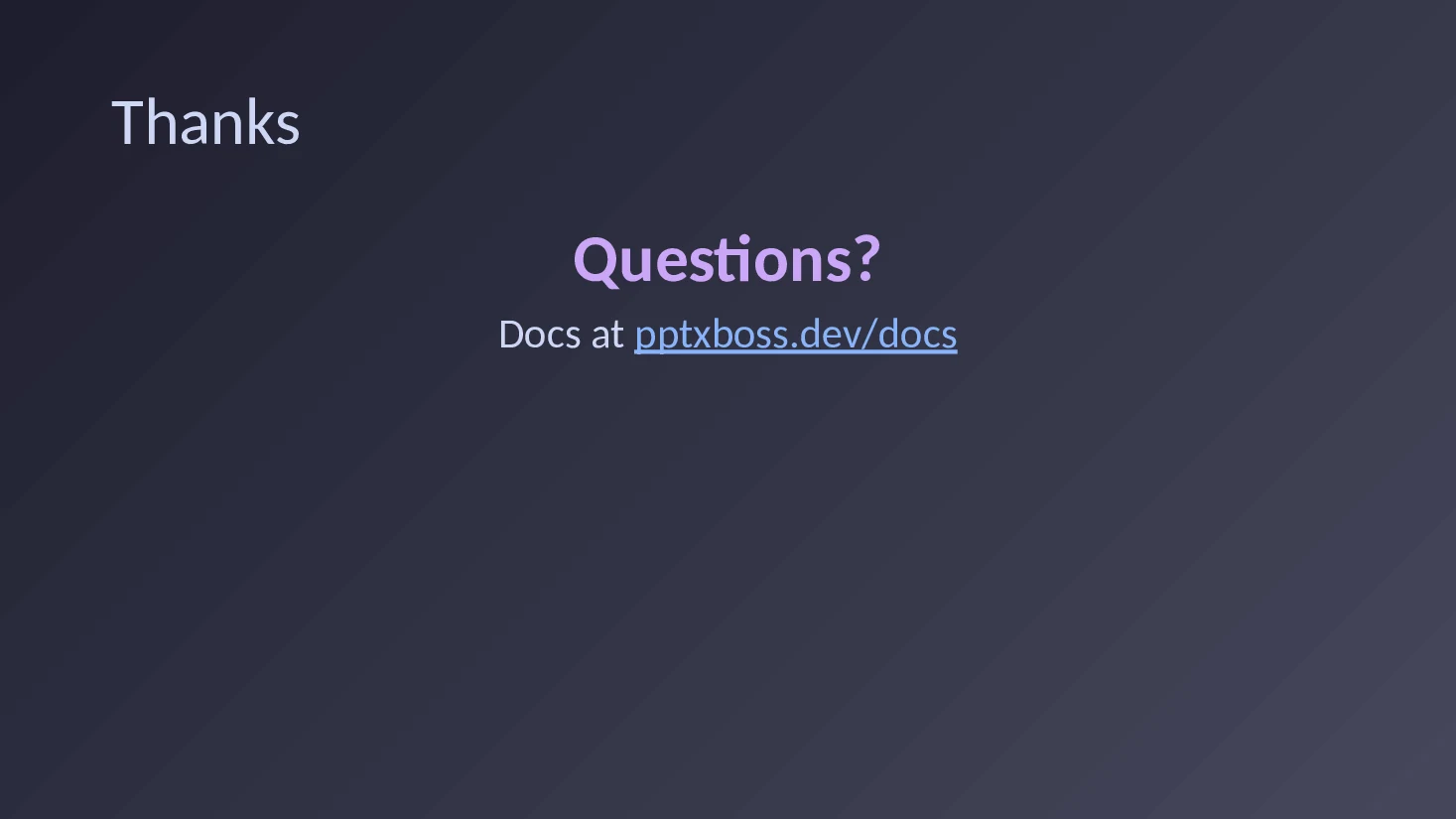
A paragraph is a list of runs. Each run carries bold, italic, underline, strikethrough, size, a color (a hex value or a theme slot such as accent2), a font and a link. Tables draw a header rule in the first accent color and no cell fills, so they read on light and dark themes alike. The last slide has its own gradient background.
from pptxboss.write import Background, Presentation, Run, Slide, Theme

deck = Presentation(theme=Theme.preset("mocha"), title="Release notes")

deck.add(Slide("pptxboss 1.1", subtitle="themes, runs and backgrounds", notes="Thirty seconds on what shipped."))

deck.add(
    Slide("What changed")
    .bullet([Run("Twelve presets", bold=True), ", from office to ", Run("tokyo", color="accent2")])
    .bullet(["Runs carry ", Run("bold", bold=True), ", ", Run("italic", italic=True), ", ", Run("color", color="#F38BA8"), " and ", Run("links", link="https://pptxboss.dev")])
    .bullet("Backgrounds: solid, gradient or picture")
    .bullet("on the master, one layout or one slide", level=1)
)

deck.add(
    Slide("Numbers").table(
        0.7, 1.7, 11.9, 2.6,
        [["Metric", "1.0", "1.1"], ["Presets", "5", "12"], ["Run properties", "0", "8"], ["Background kinds", "0", "3"]],
    )
)

deck.add(
    Slide("Thanks", background=Background.linear("#1E1E2E", "#45475A", 45))
    .paragraph([Run("Questions?", size=44, bold=True, color="accent1")], align="center")
    .paragraph(["Docs at ", Run("pptxboss.dev/docs", link="https://pptxboss.dev/docs/", color="accent2")], align="center")
)

deck.save("release.pptx")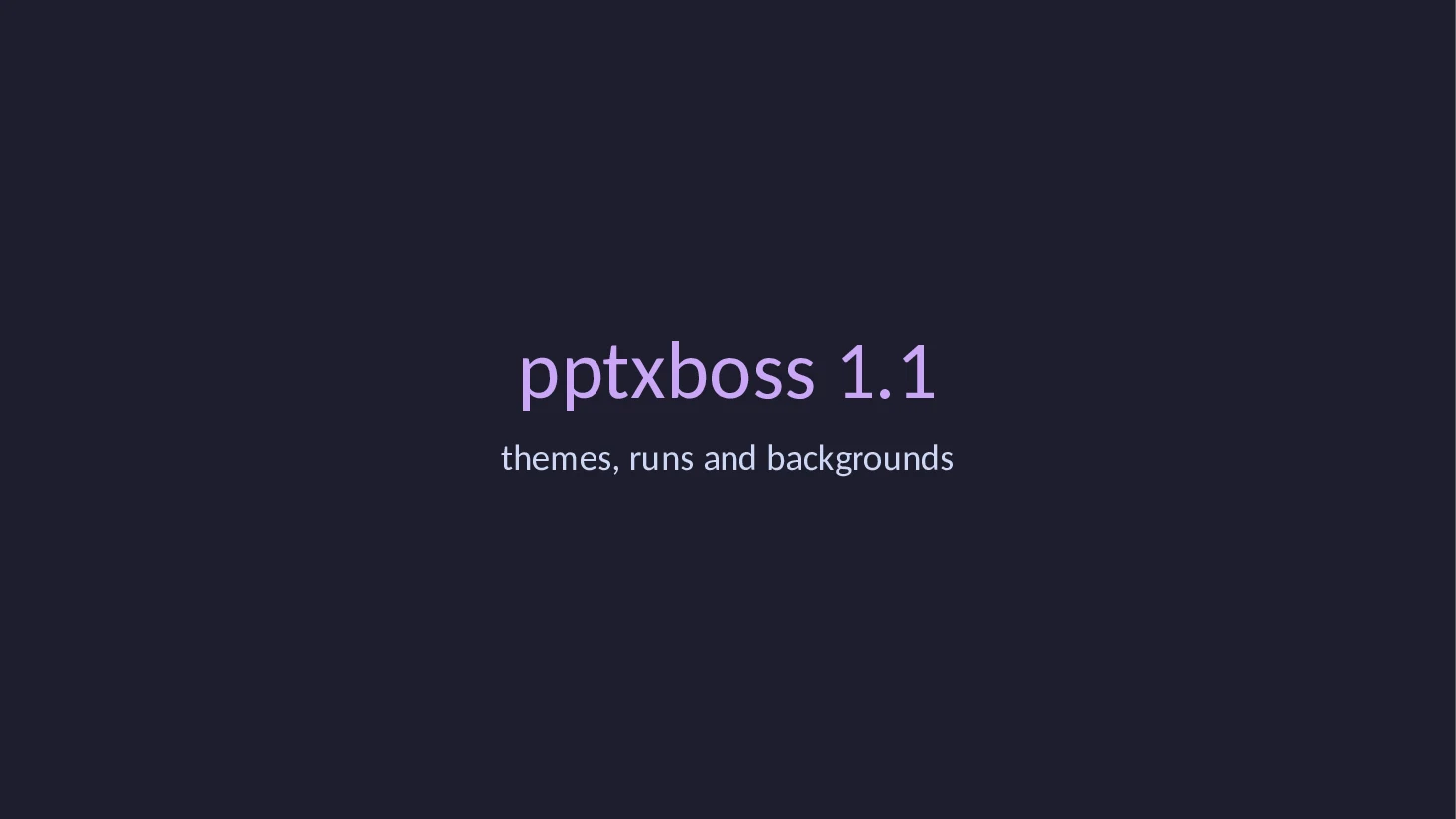
Rust
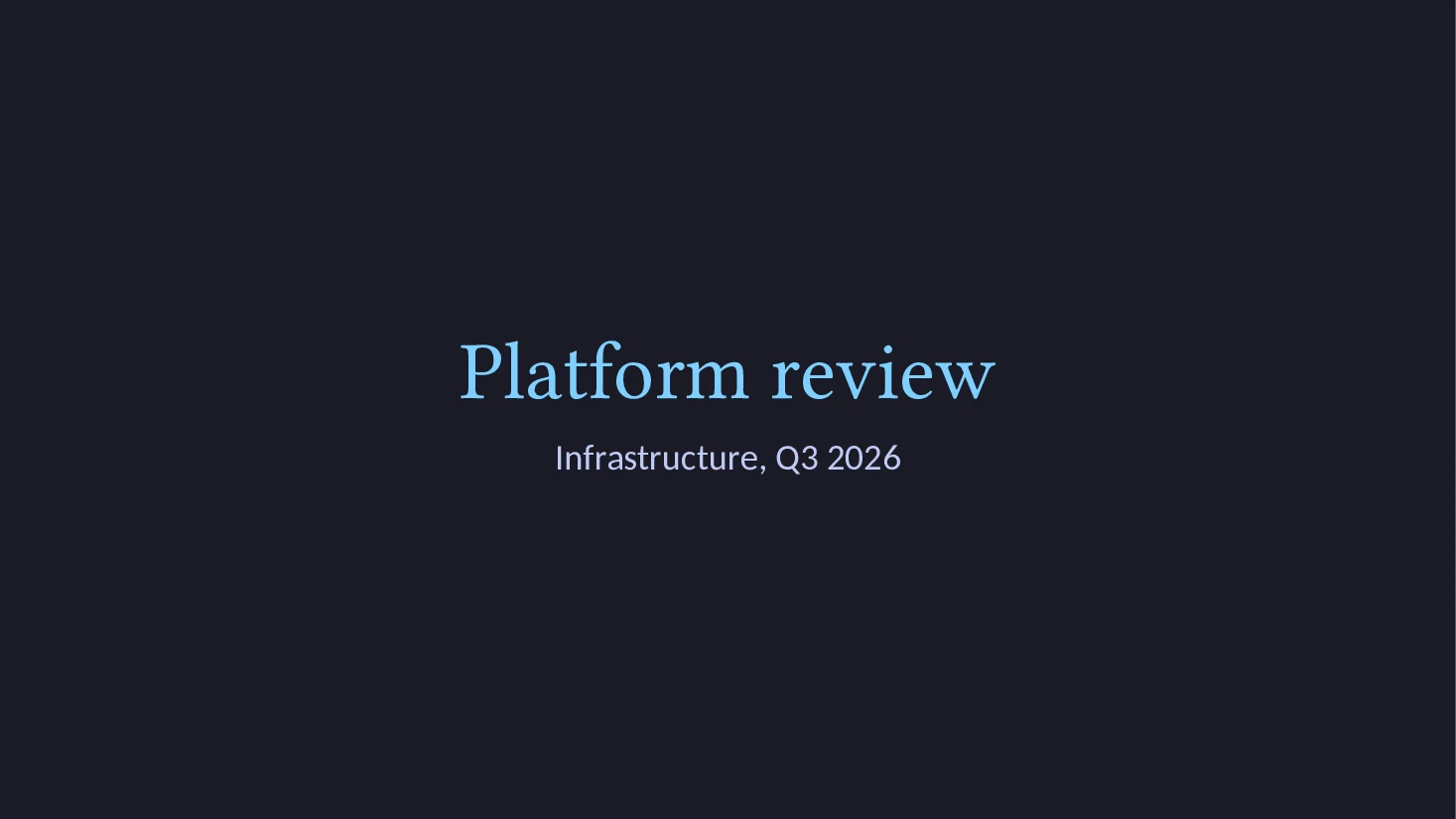
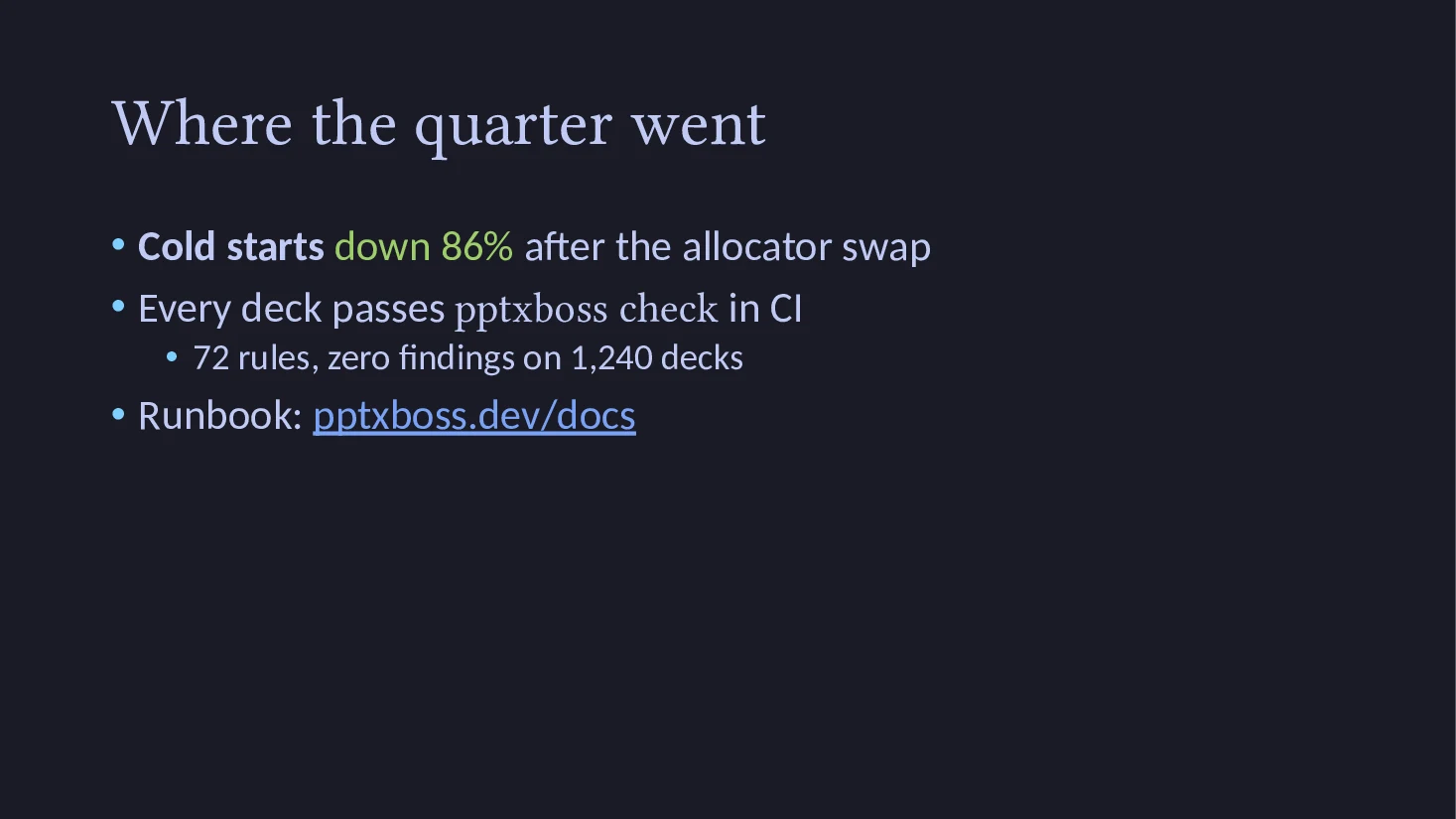
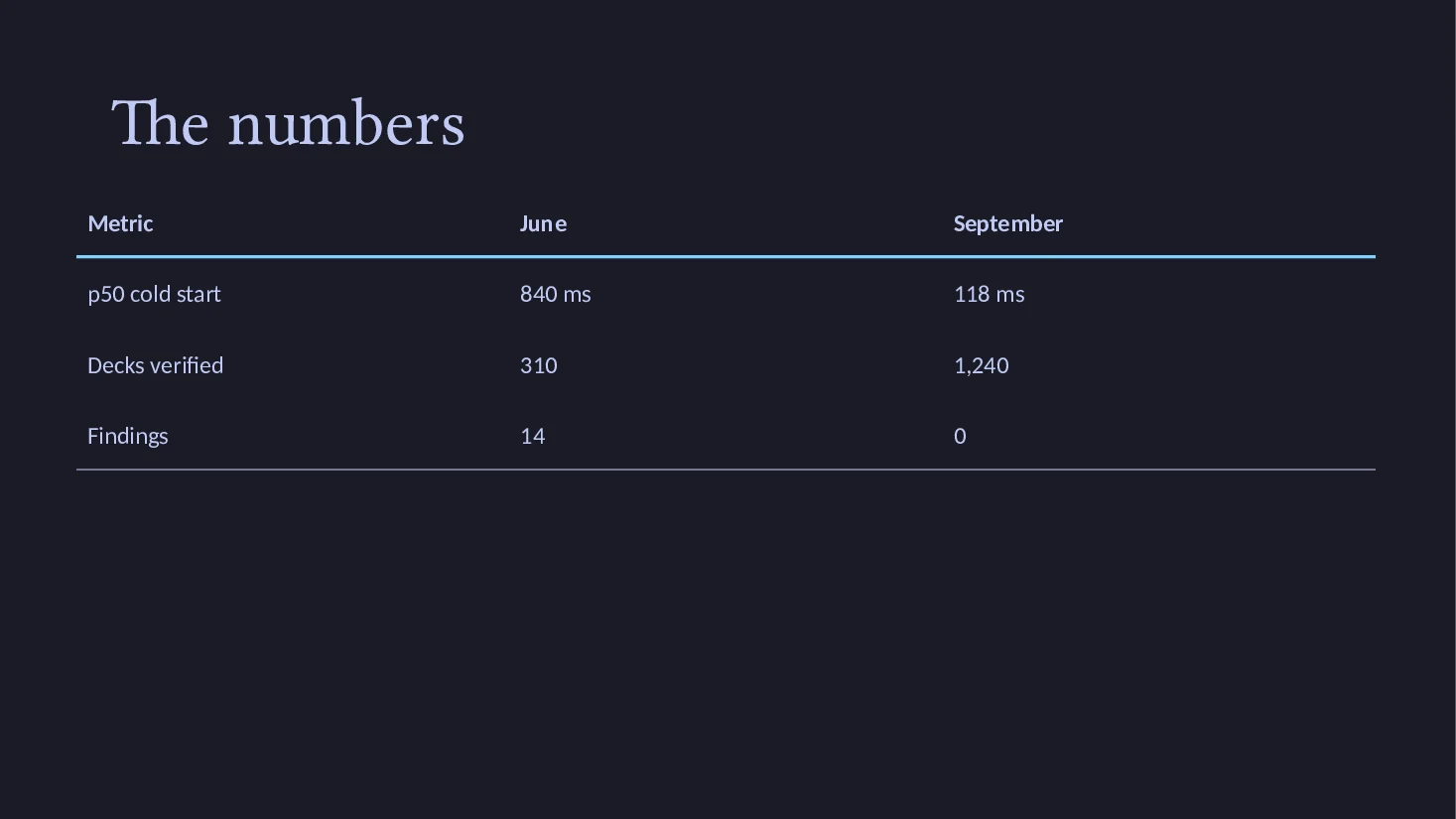
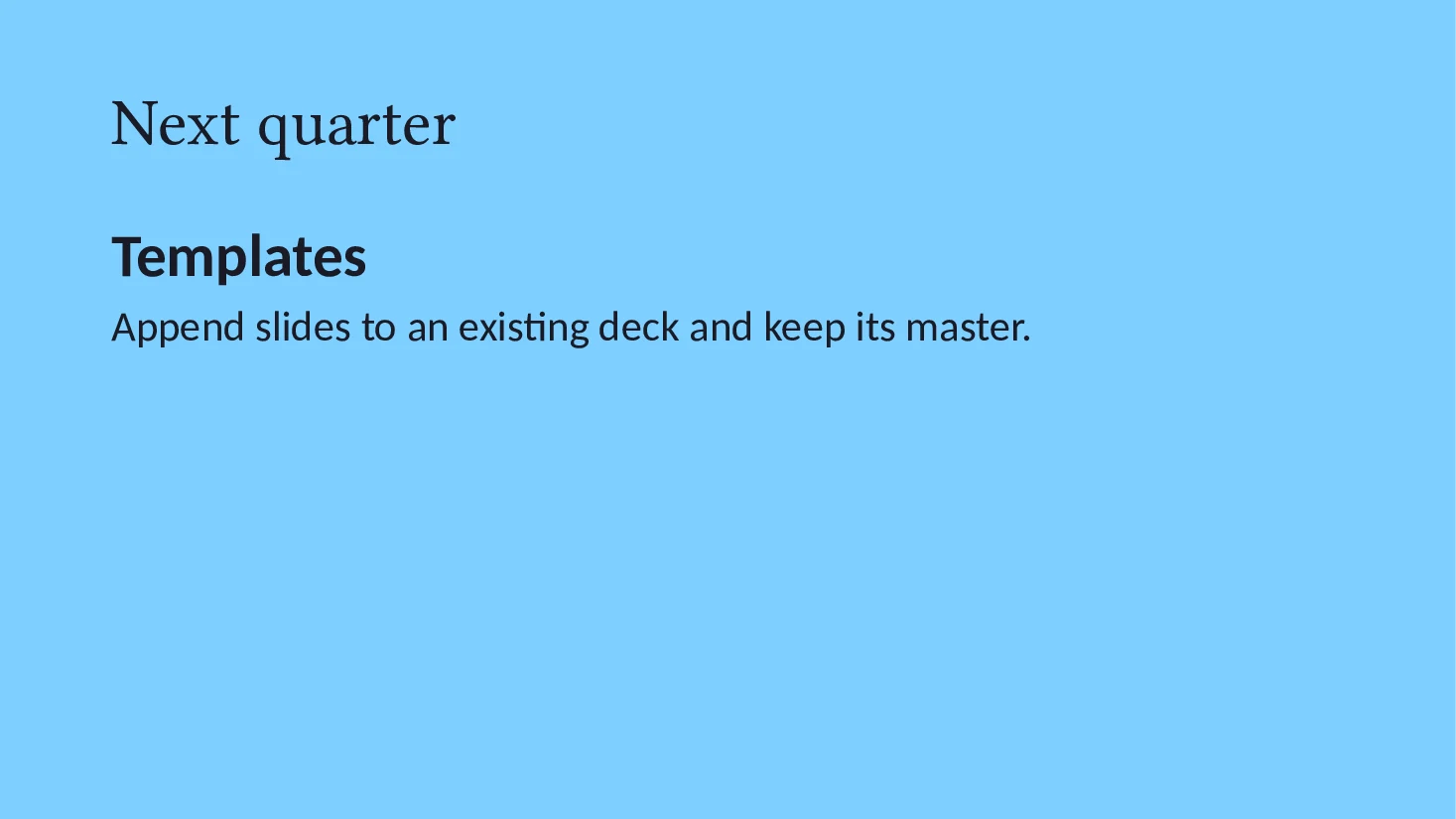
A preset, adjusted, with a gradient title layout and an inverted slide.
The Tokyo Night preset with a new first accent and Georgia titles. The title layout gets a gradient of its own, so every title slide in the deck shows it. The last slide fills its background with the accent color and is marked inverted, which swaps the light and dark text slots for that slide only. The file is examples/styled.rs in the writer crate; run it with cargo run --example styled.
//! A themed deck with formatted runs, a gradient title layout, a table and
//! an inverted slide. Run with `cargo run --example styled -- styled.pptx`.

use pptxboss_write::{
    Align, Background, Color, Layout, Paragraph, Presentation, Rect, Rgb, Run, SchemeColor, Slide,
    Theme,
};

fn main() -> Result<(), Box<dyn std::error::Error>> {
    let out = std::env::args()
        .nth(1)
        .unwrap_or_else(|| "styled.pptx".to_string());

    let theme = Theme::tokyo()
        .color(SchemeColor::Accent1, Rgb::hex("#7DCFFF").unwrap())
        .fonts("Georgia", "Calibri")
        .layout_background(
            Layout::Title,
            Background::linear(
                Color::hex("#1A1B26").unwrap(),
                Color::hex("#2F3453").unwrap(),
                45,
            ),
            false,
        );

    let deck = Presentation::new()
        .theme(theme)
        .slide(Slide::title_slide(
            "Platform review",
            Some("Infrastructure, Q3 2026"),
        ))
        .slide(
            Slide::titled("Where the quarter went")
                .body_paragraph(Paragraph::bullet_runs(
                    vec![
                        Run::text("Cold starts ").bold(),
                        Run::text("down 86%").color(Color::Scheme(SchemeColor::Accent4)),
                        Run::text(" after the allocator swap"),
                    ],
                    0,
                ))
                .body_paragraph(Paragraph::bullet_runs(
                    vec![
                        Run::text("Every deck passes "),
                        Run::text("pptxboss check").font("Menlo"),
                        Run::text(" in CI"),
                    ],
                    0,
                ))
                .sub_bullet("72 rules, zero findings on 1,240 decks", 1)
                .body_paragraph(Paragraph::bullet_runs(
                    vec![
                        Run::text("Runbook: "),
                        Run::text("pptxboss.dev/docs").link("https://pptxboss.dev/docs/"),
                    ],
                    0,
                ))
                .notes("Two minutes, then the numbers."),
        )
        .slide(Slide::titled("The numbers").table(
            Rect::inches(0.7, 1.7, 11.9, 2.6),
            vec![
                vec!["Metric".into(), "June".into(), "September".into()],
                vec!["p50 cold start".into(), "840 ms".into(), "118 ms".into()],
                vec!["Decks verified".into(), "310".into(), "1,240".into()],
                vec!["Findings".into(), "14".into(), "0".into()],
            ],
            true,
        ))
        .slide(
            Slide::titled("Next quarter")
                .inverted()
                .background(Background::solid(Color::Scheme(SchemeColor::Accent1)))
                .body_paragraph(
                    Paragraph::runs(vec![Run::text("Templates").bold().size(40)])
                        .align(Align::Left),
                )
                .body_paragraph(Paragraph::text(
                    "Append slides to an existing deck and keep its master.",
                )),
        );

    deck.write_to(&out)?;
    println!("wrote {out}");
    Ok(())
}
The sources and the script that builds, verifies and renders these decks live in the site repository. Install with pip install pptxboss, cargo add pptxboss-write or cargo install pptxboss-cli.